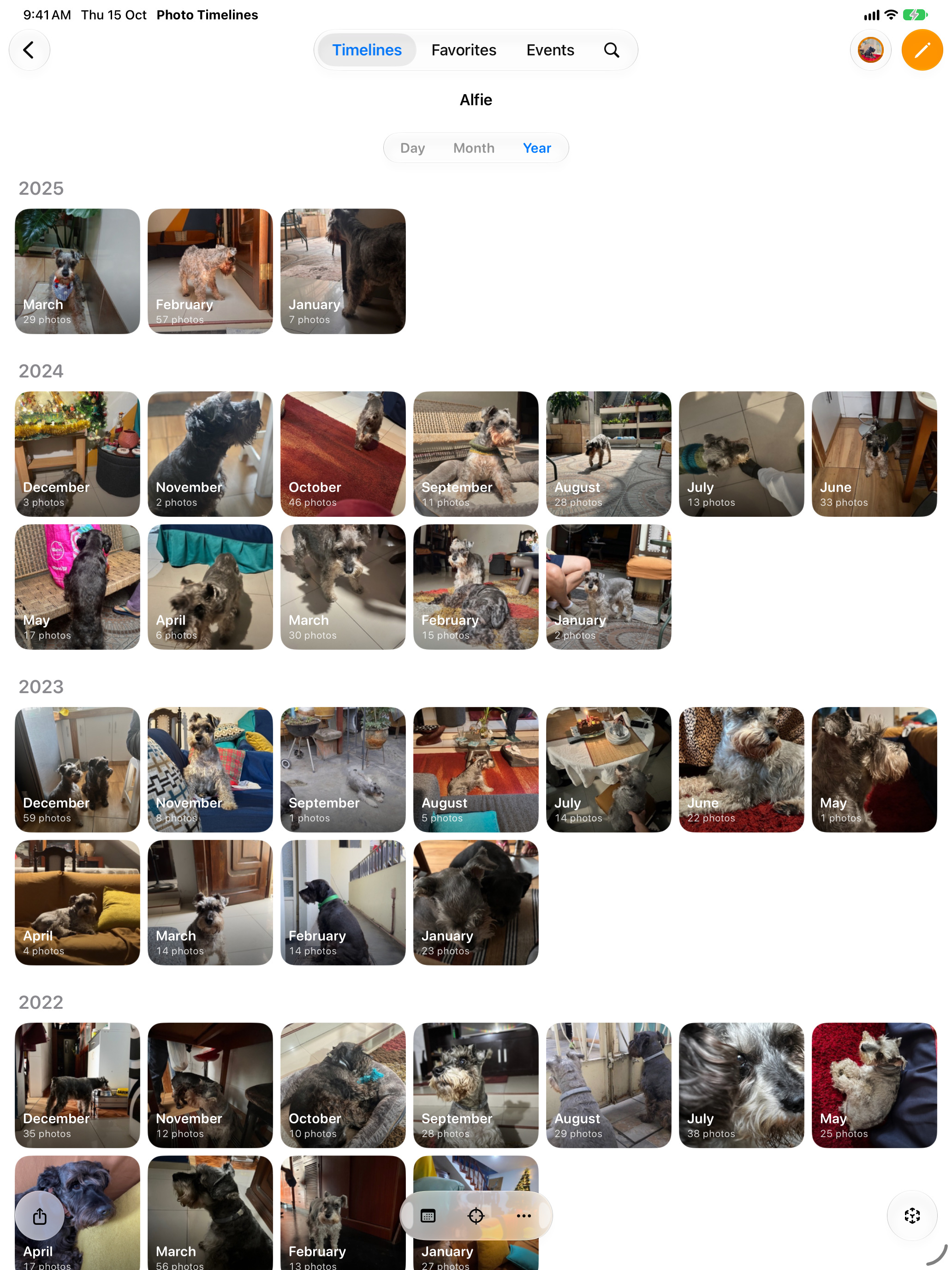
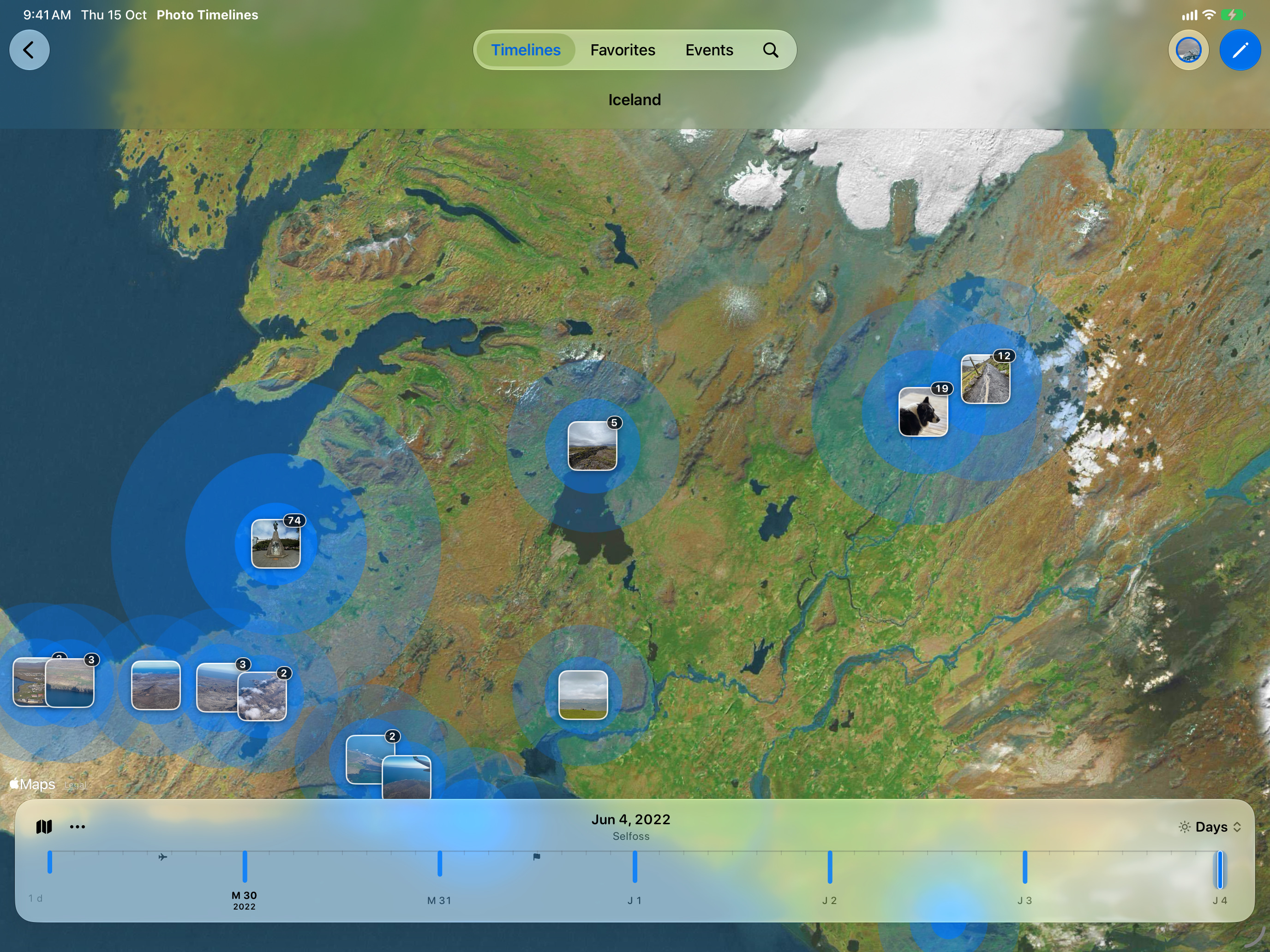
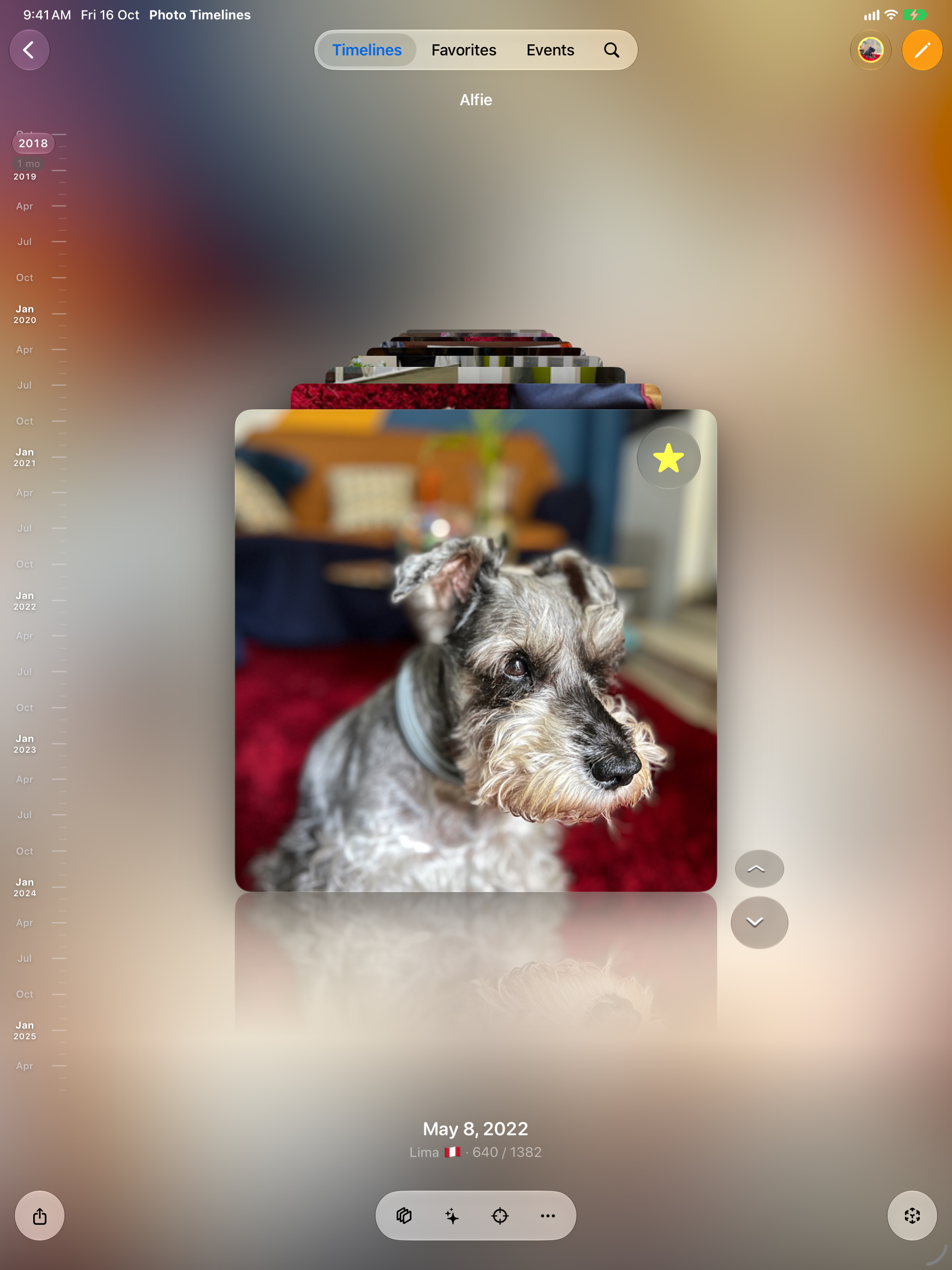
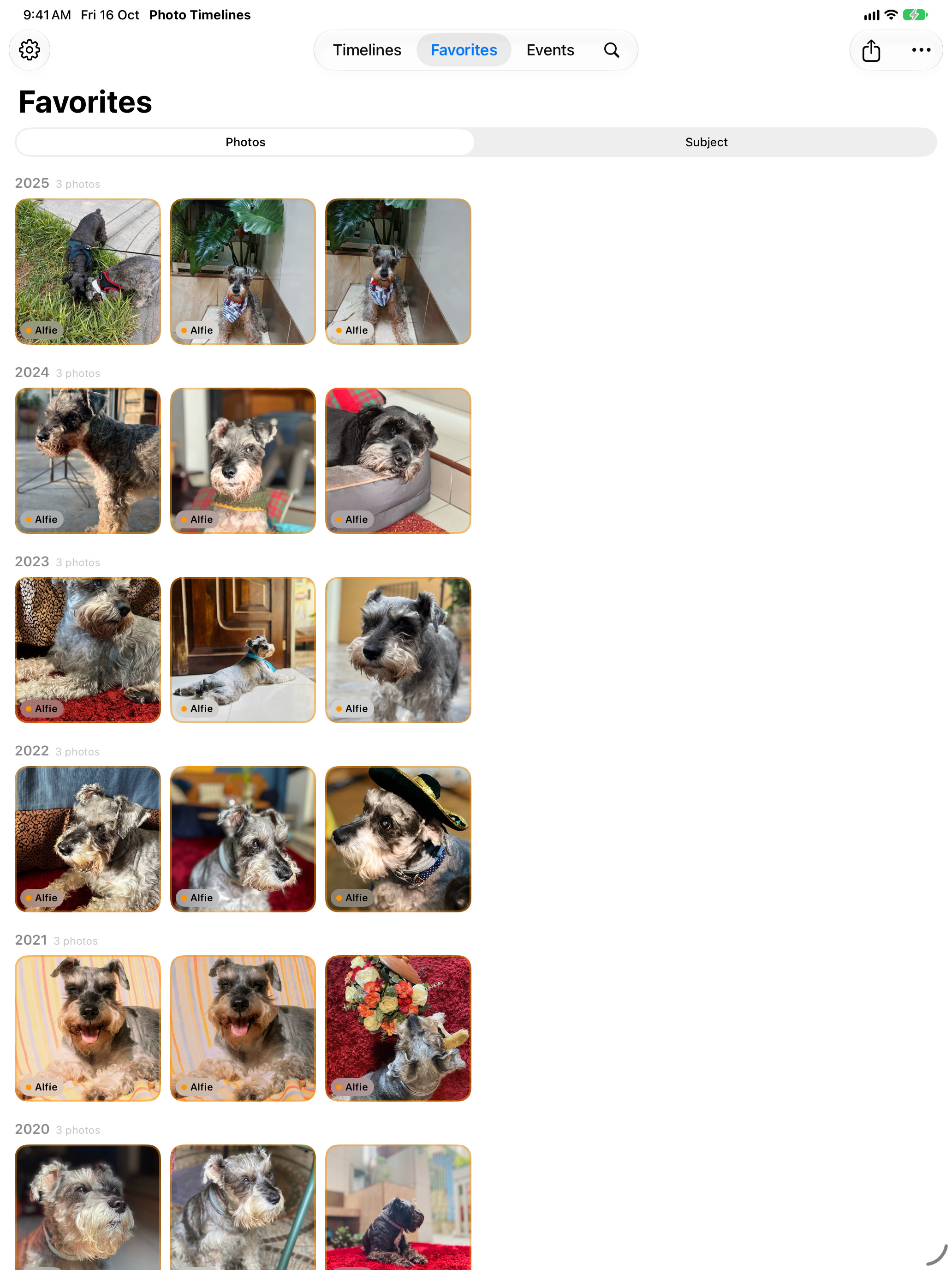
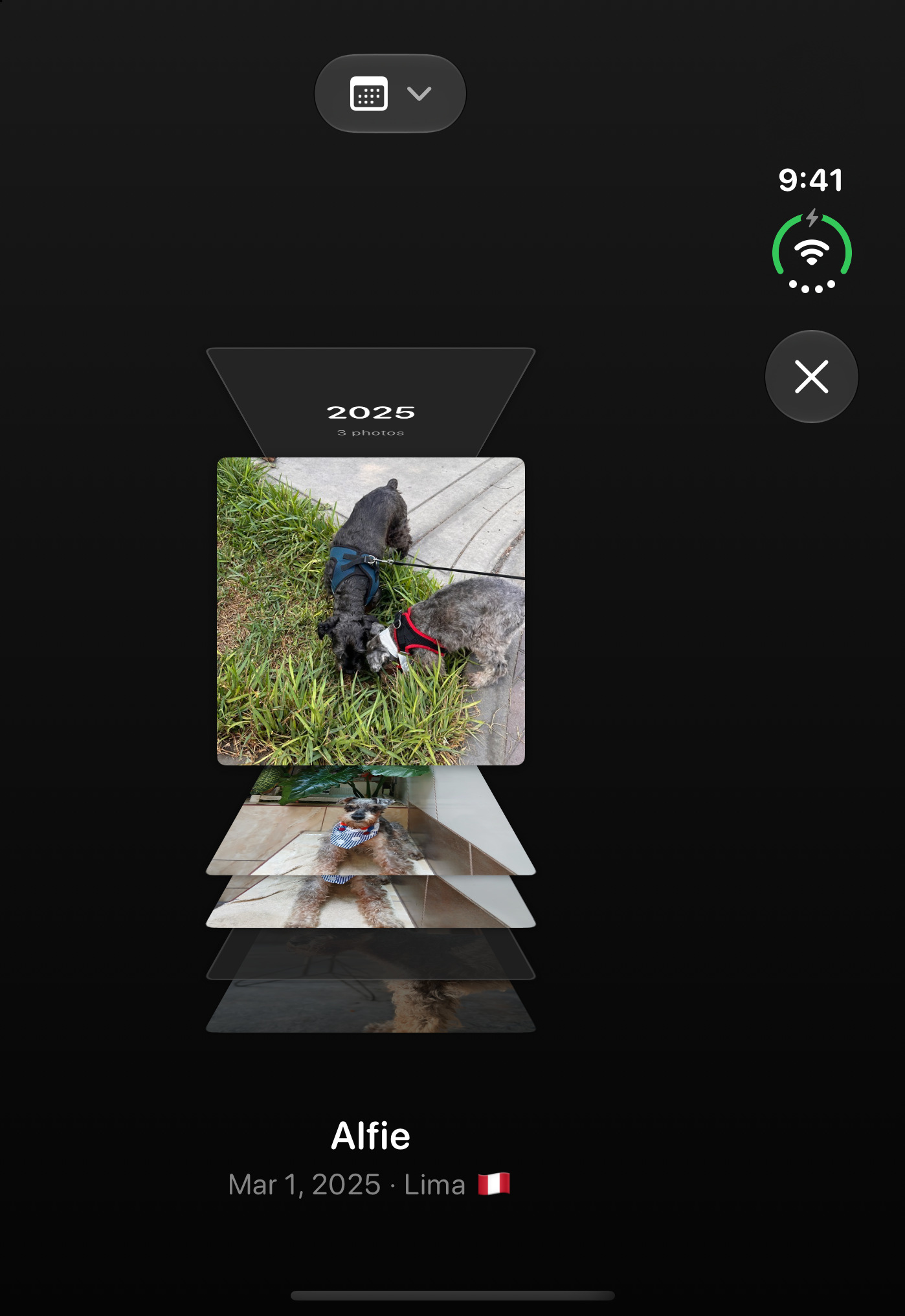
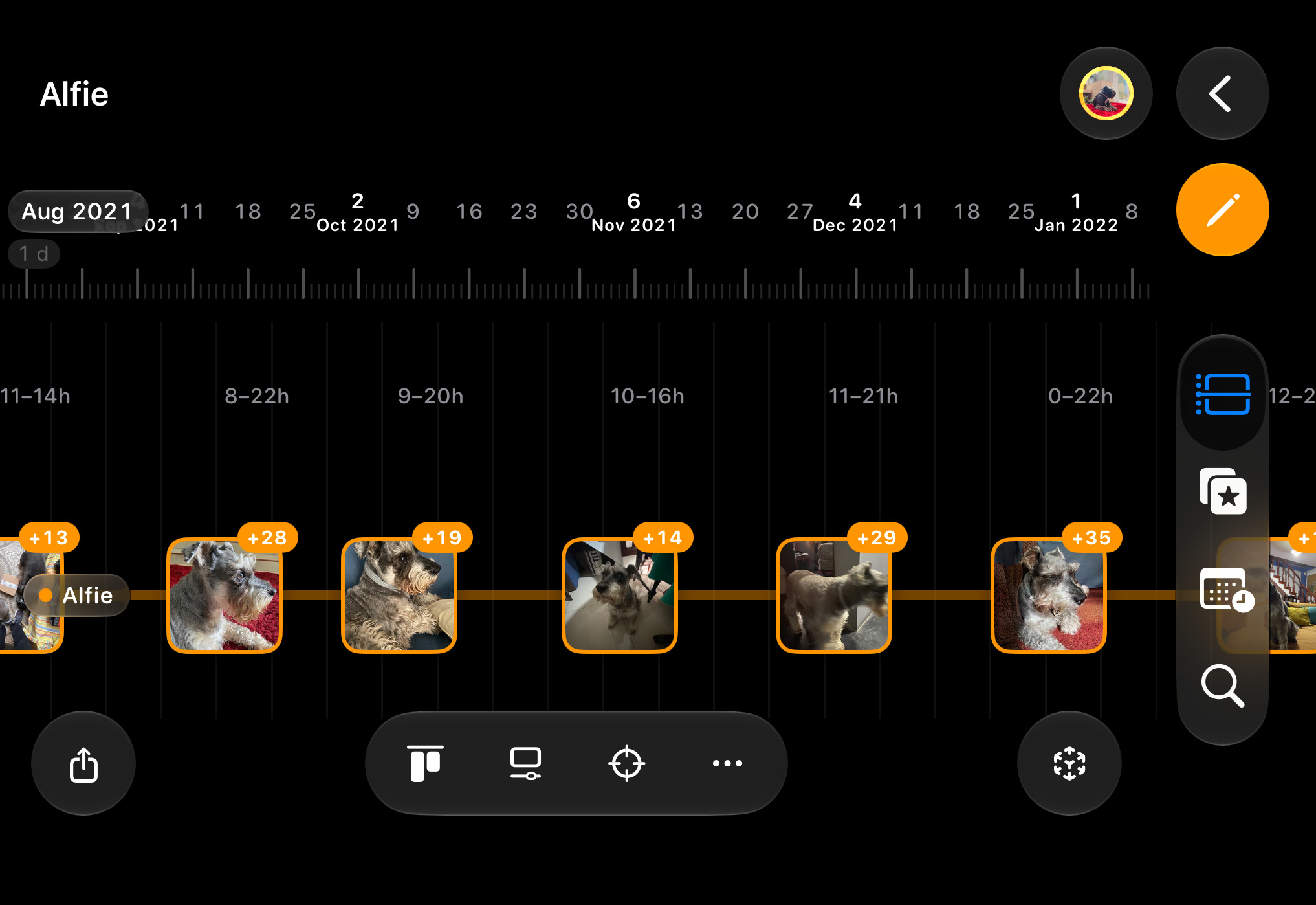
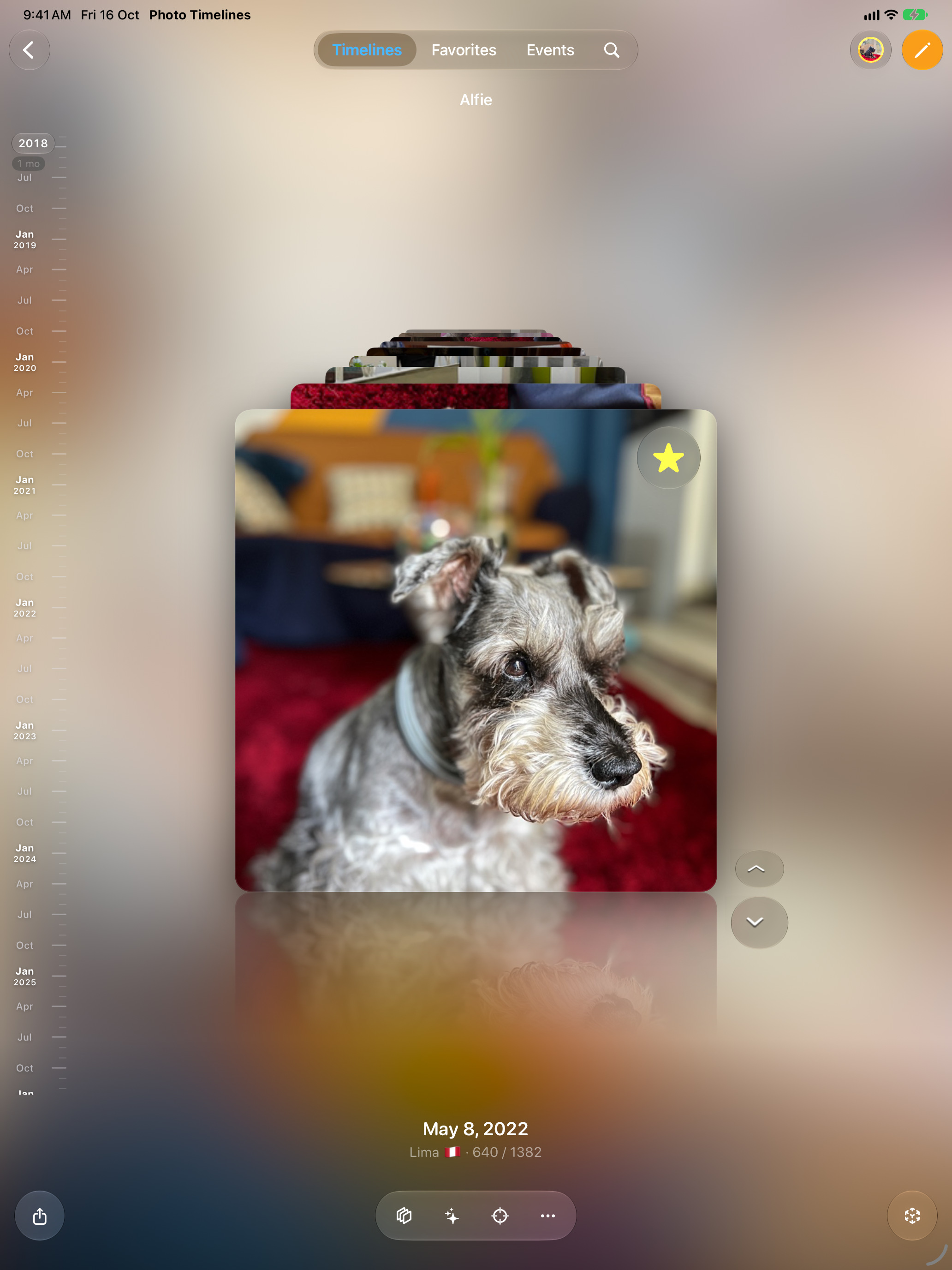
App Store screenshots
41 of 41 frames ready
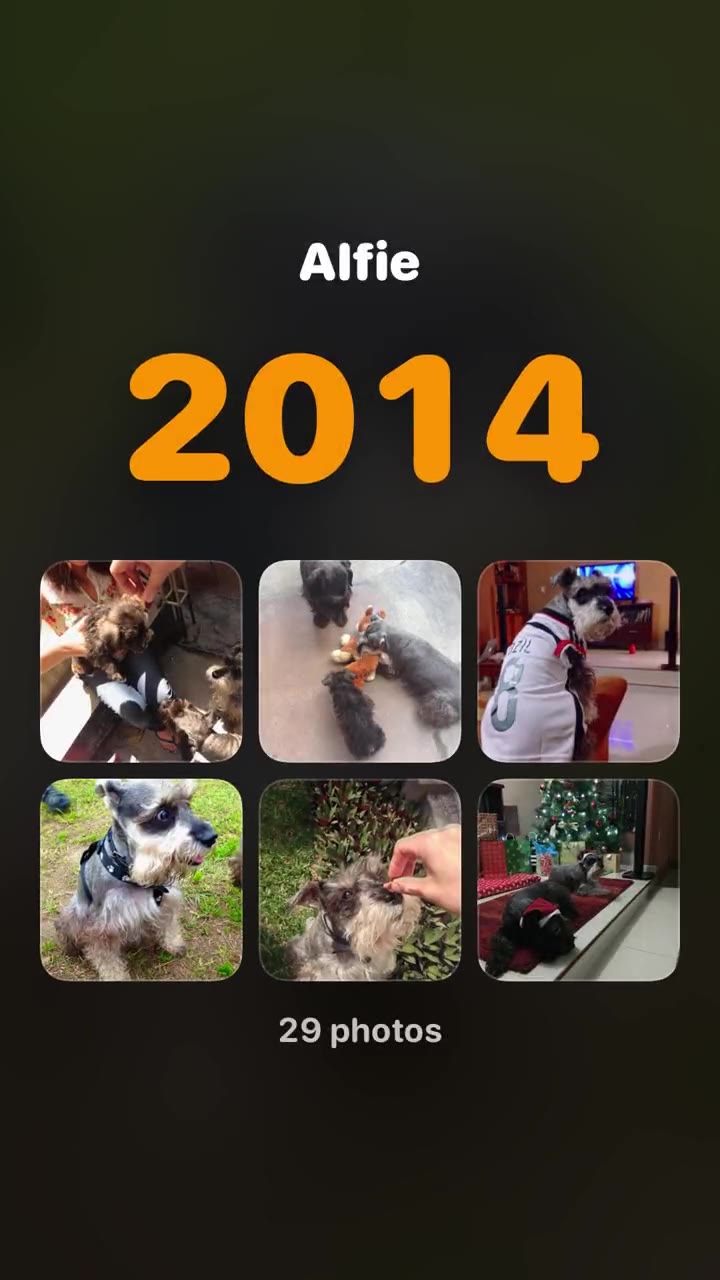
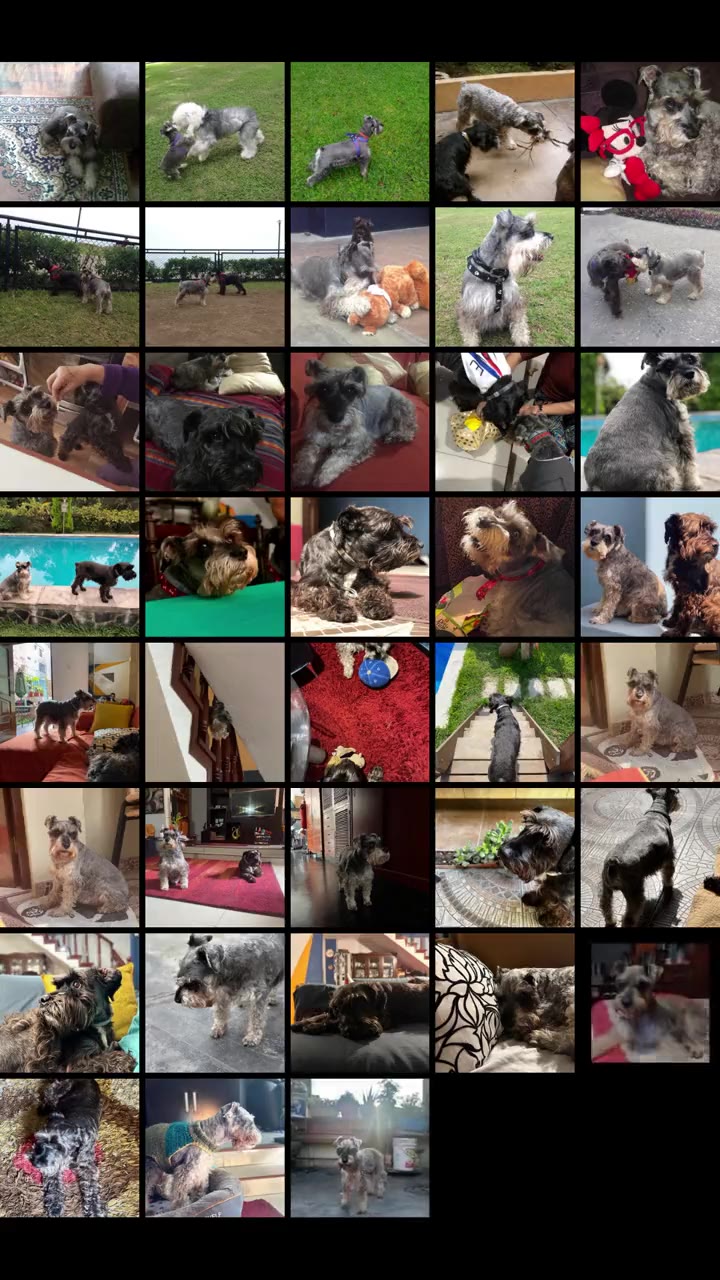
The real app in its demo mode, with Alfie’s real album and nothing else, captured at native size in each language, dark and light. Numbered frames export at Apple’s exact size. Photo runs on iPhone, iPad, Mac and Apple TV, and adapts to the iPhone Duo; there is no Apple Watch app. Mac, Apple TV, Duo and AR stay as holes until their stills arrive. Nothing here is uploaded.
Status
41 of 41 frames ready
iPhone 6.9″ · portrait
Store sequence
iPhone 18 Pro Max simulator, the demo set (A dog’s life and five other timelines), dark. The first three show in search without scrolling: the thesis and the whole views panorama. AR and the subject cut-out need a real device.
iphone-6.9 1320×2868 · Dynamic Island, large display. Optional. iphone-6.3 1206×2622 · Dynamic Island, medium display. The one Apple requires: the same frame, rescaled.
Timelines
Every photo.
Every year.
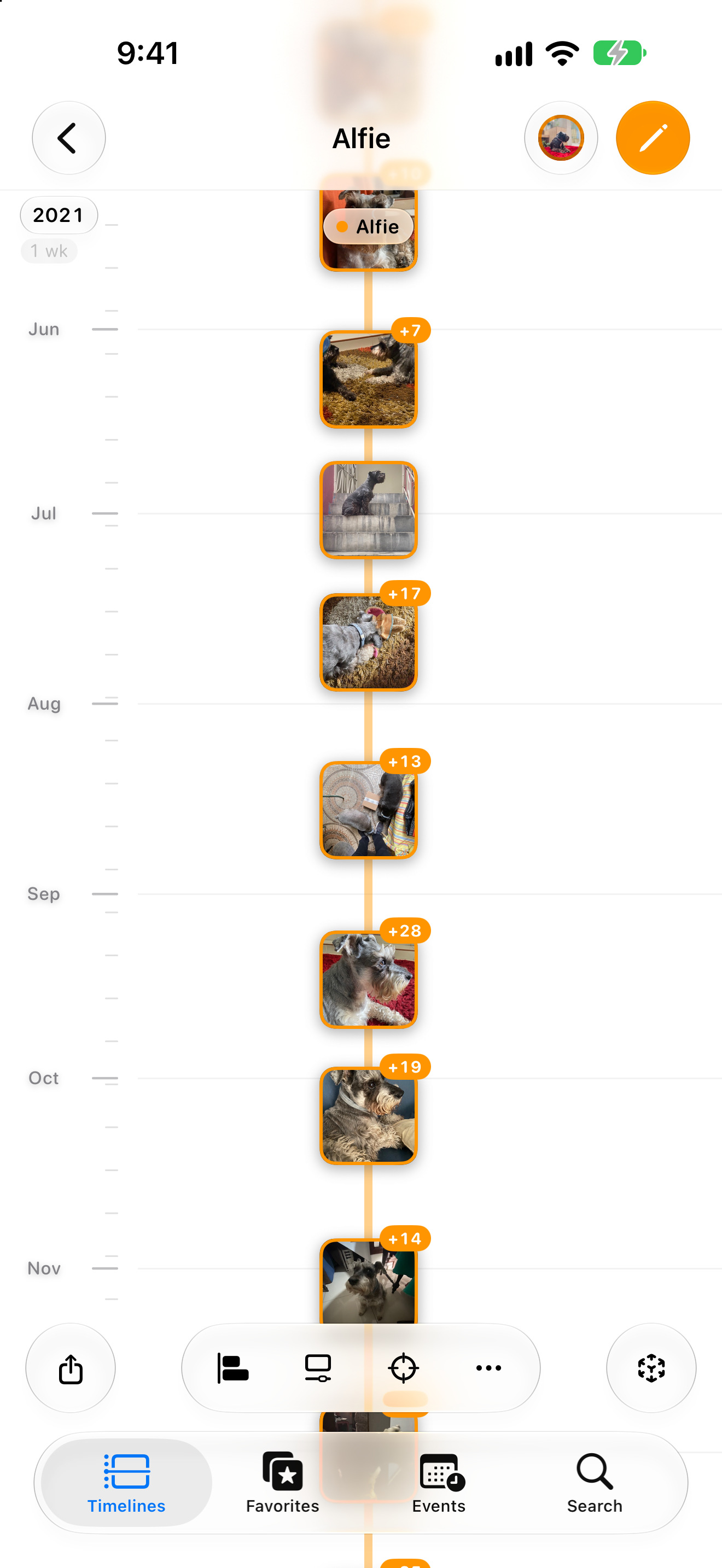
One life on a timeline
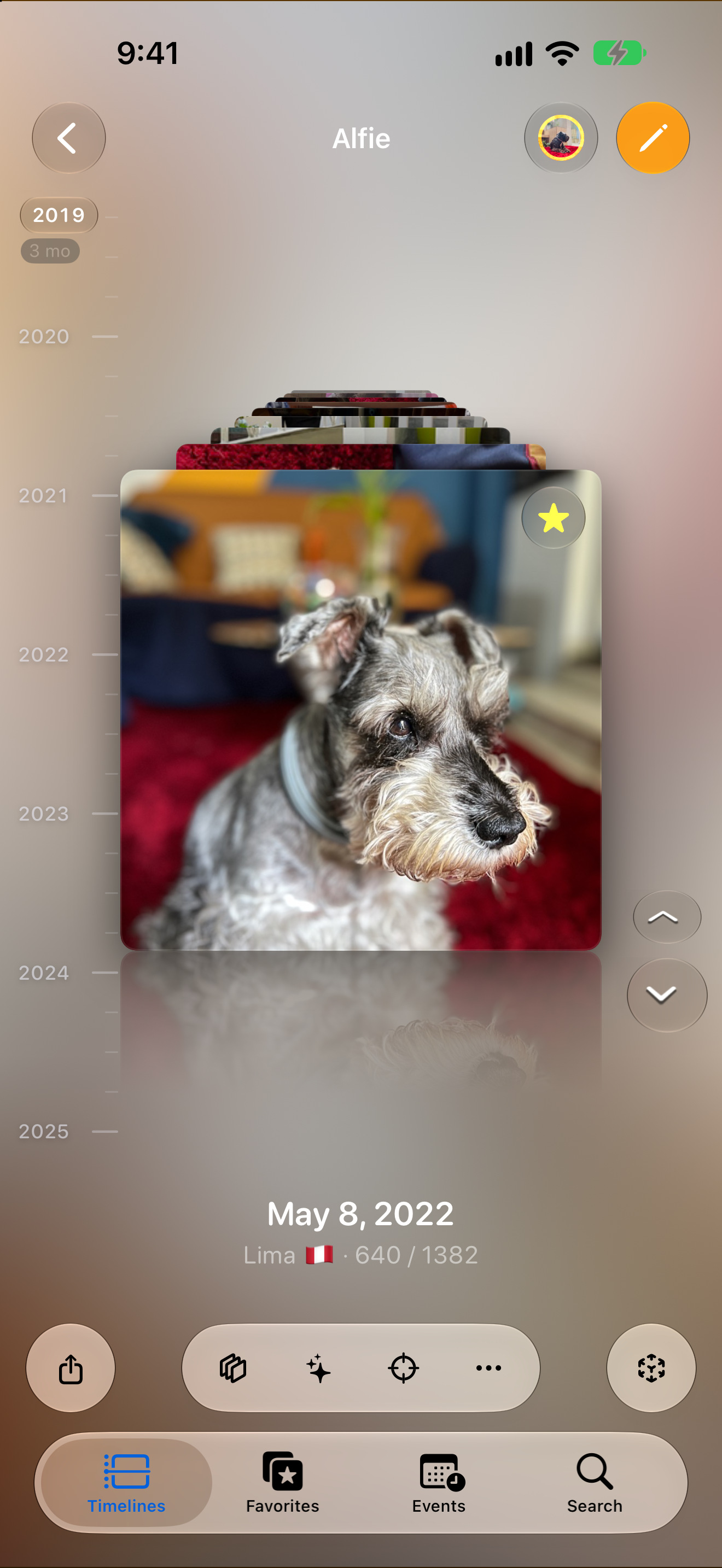
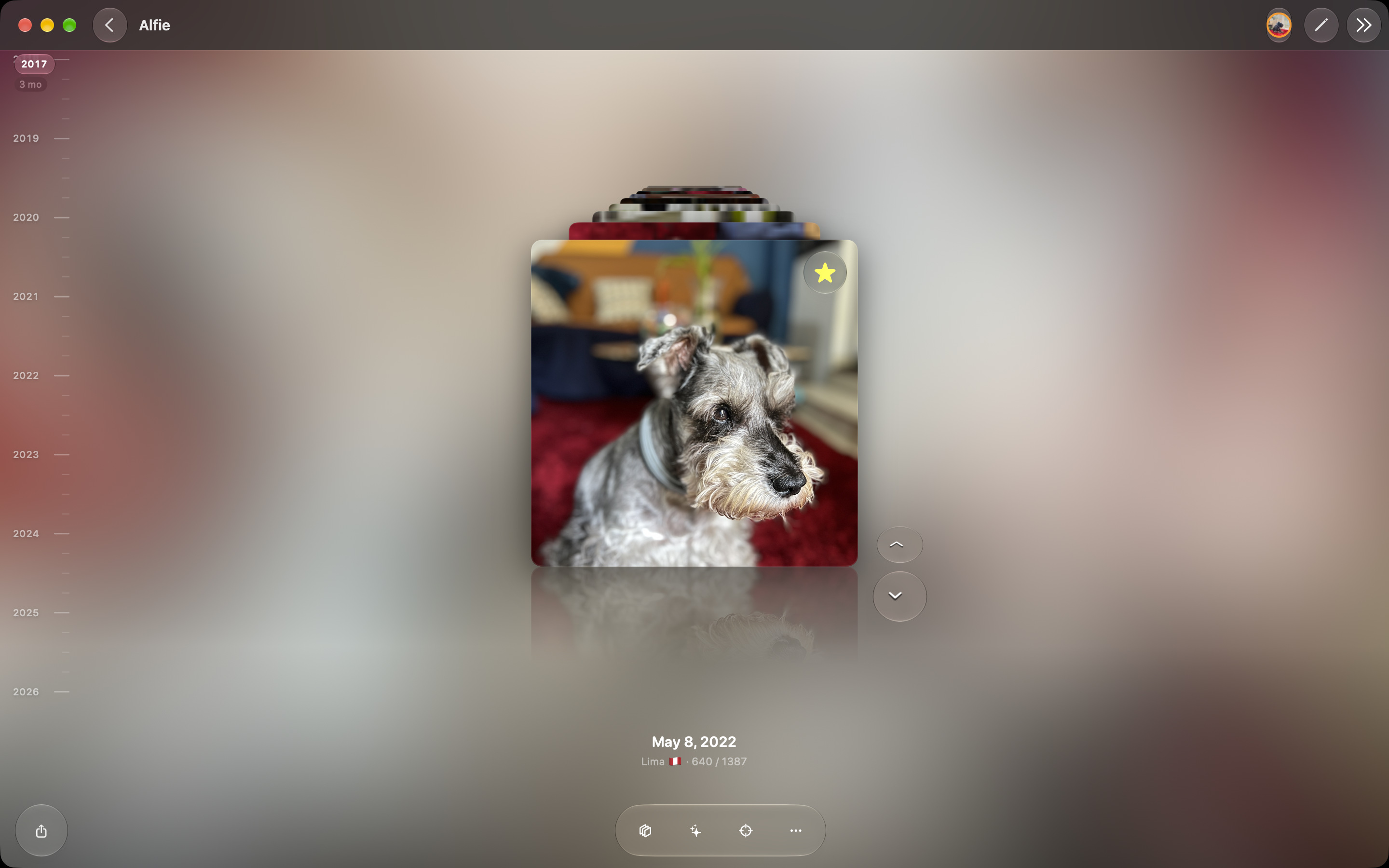
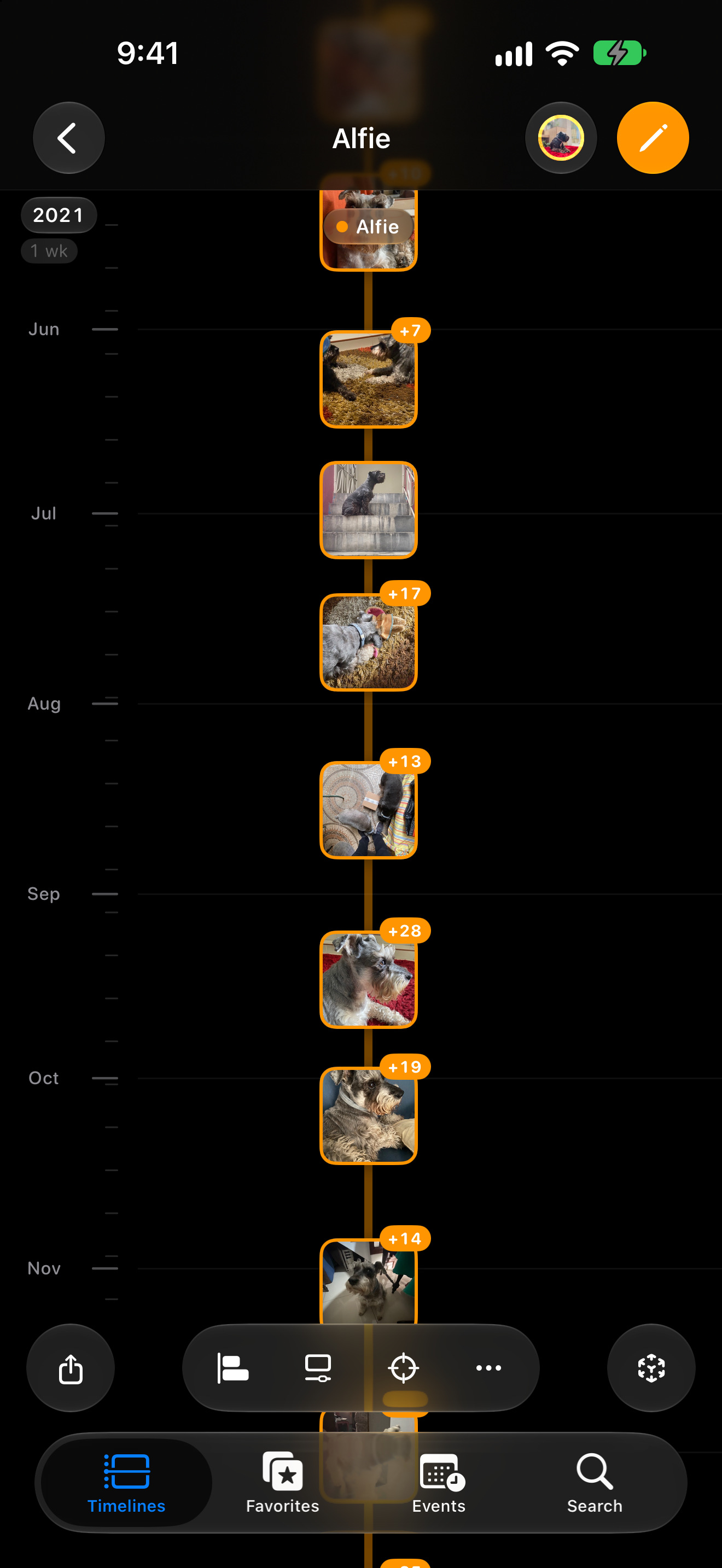
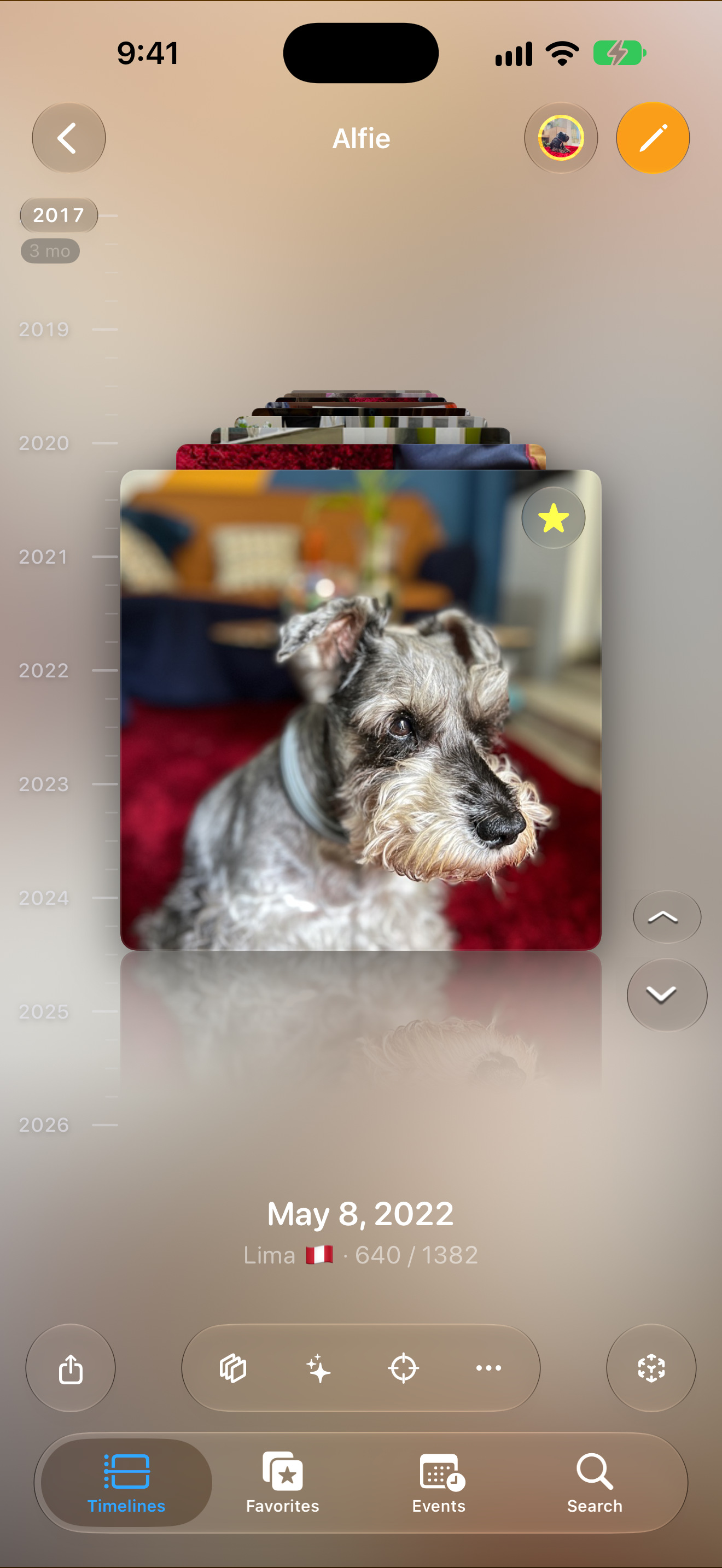
timeline · 011320×2868 ↗/appstore/iphone/en/timeline.jpg · 1320×2868 · in measure
The sequence tells a story (JC, 2026-10-14): what it is, its five views (two frames, one iPhone across both), your favorites, the widgets, AR, sharing (two frames: the videos and the PDF), and every device. Nine: the Explore frame left on 2026-10-17, it repeated frame 01’s picture.
Views
Five ways to see the years
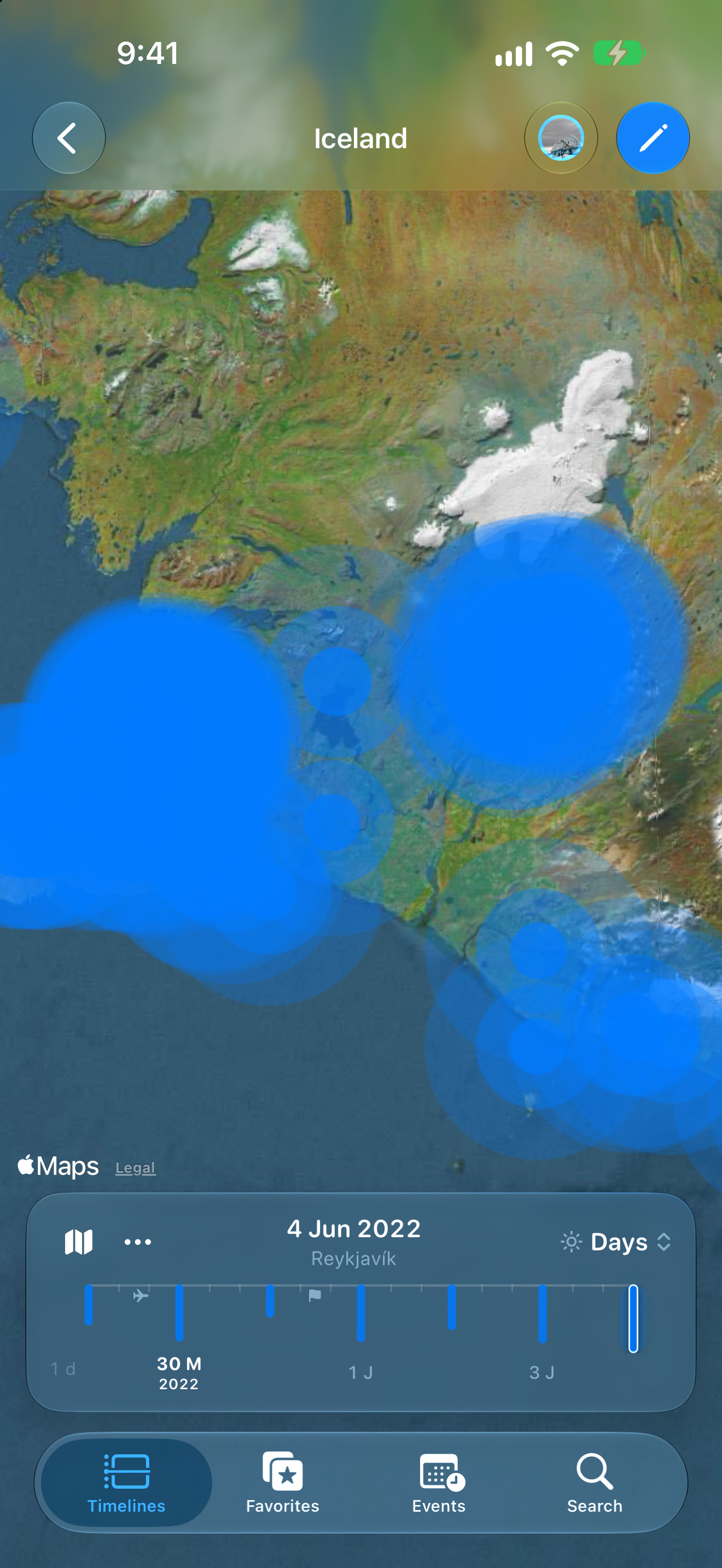
vistas · 021320×2868 ↗A panorama: 02 and 03 are one stage cut in two, and the iPhone on the seam spans both. They only work side by side, in this order.
Views
Timeline, calendar,
map or Flashback
Favorites
The best of every year
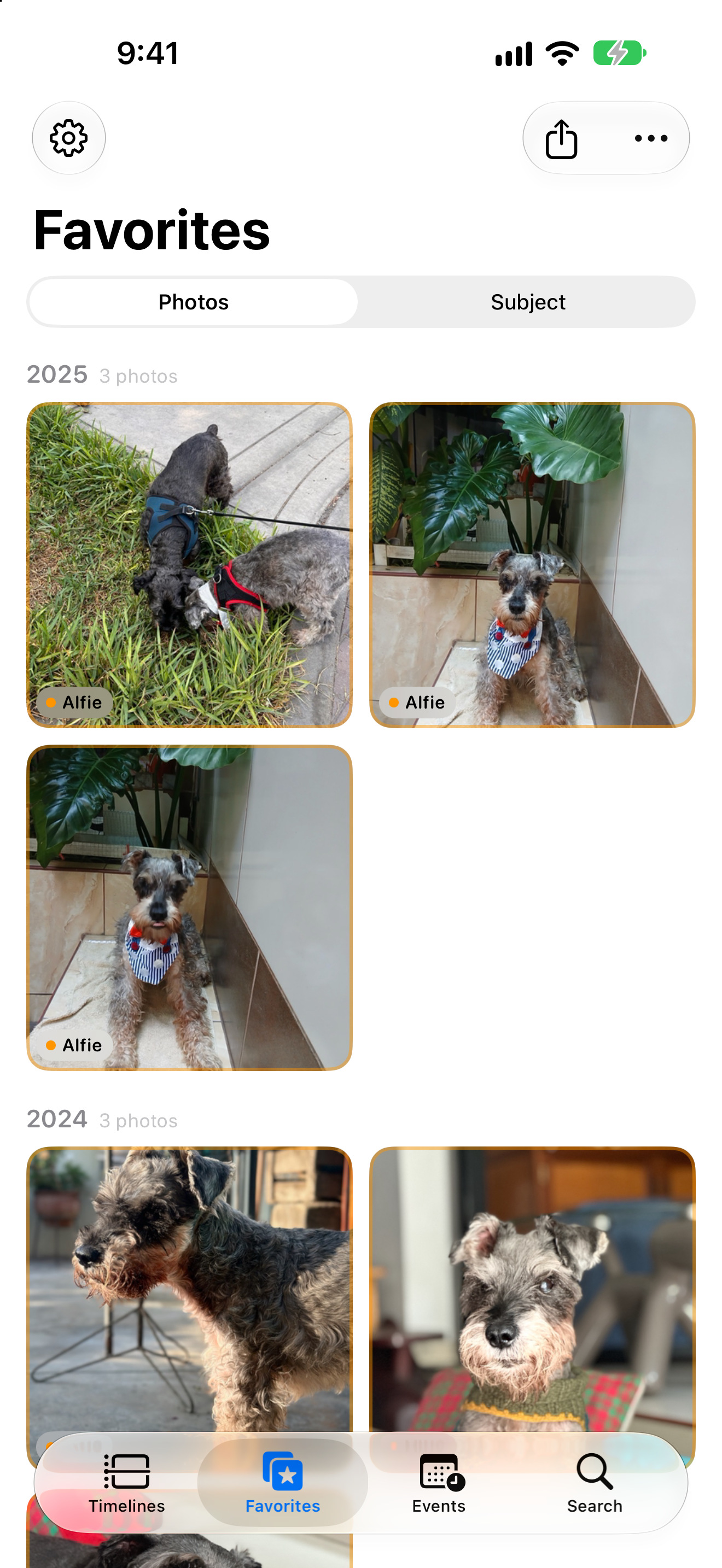
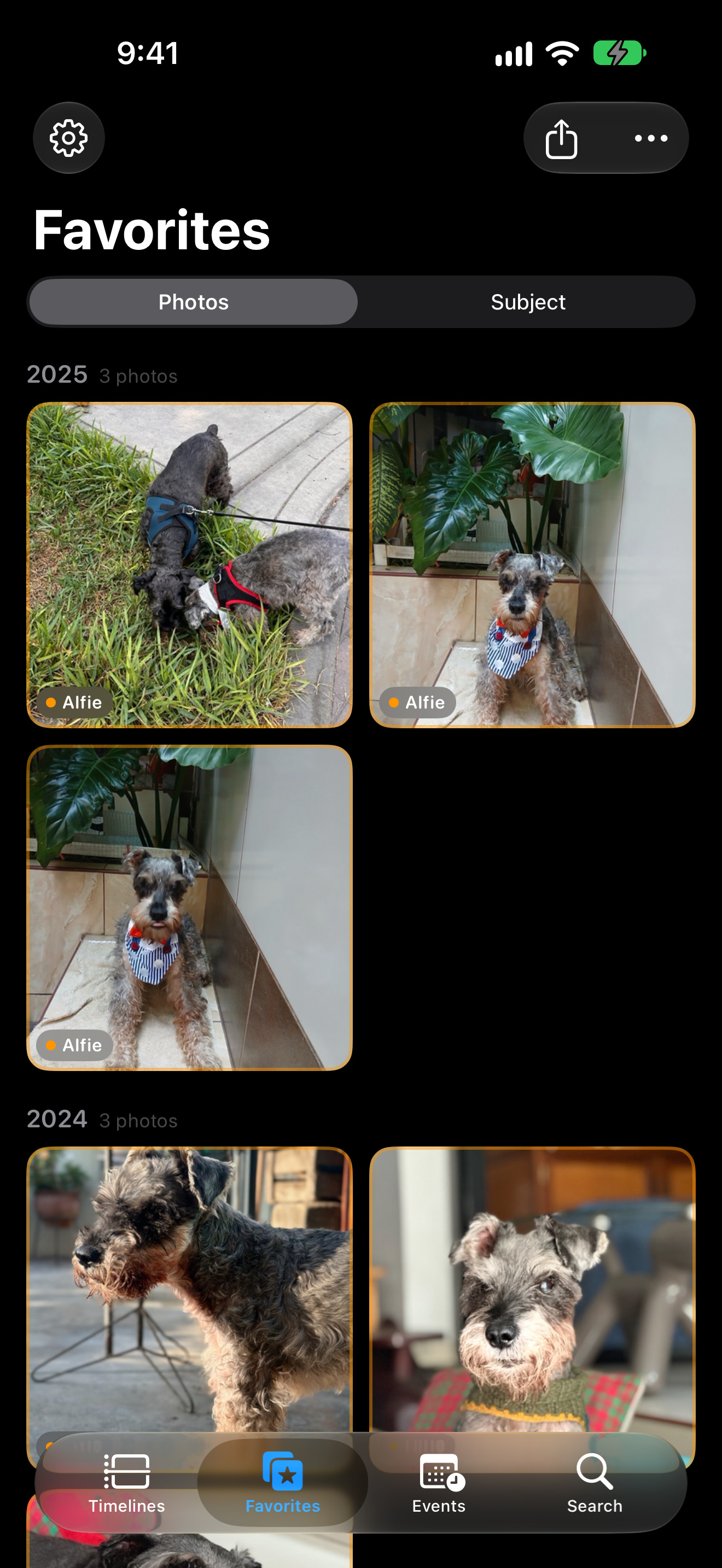
favoritos · 041320×2868 ↗/appstore/iphone/en/favoritos.jpg · 1320×2868 · in measure
The grid in front and the 3D carousel tilted behind: one frame for Favorites, so the sequence stays short.
Widgets
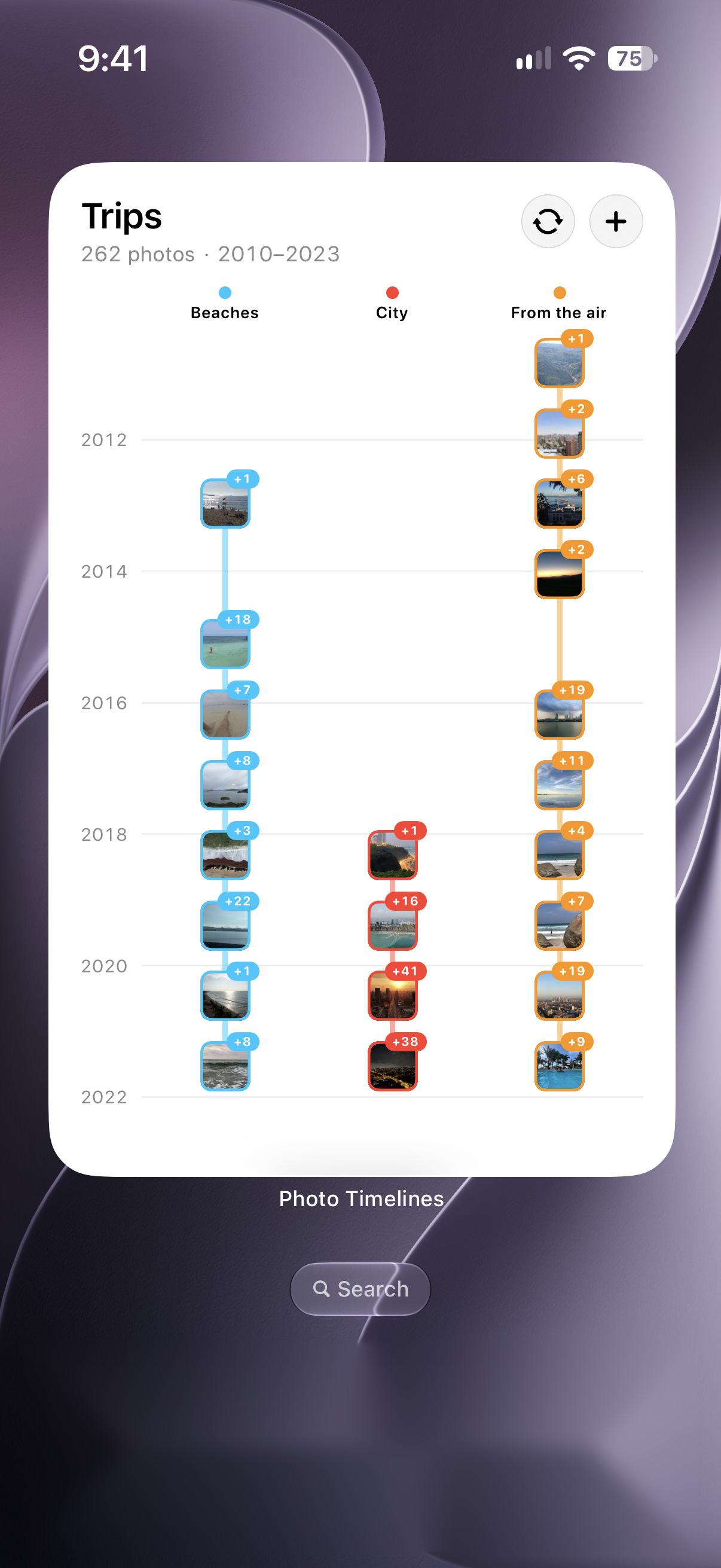
Every timeline on your Home Screen
widgets · 051320×2868 ↗/appstore/iphone/en/widgets.jpg · 1206×2622 · in measure
AR
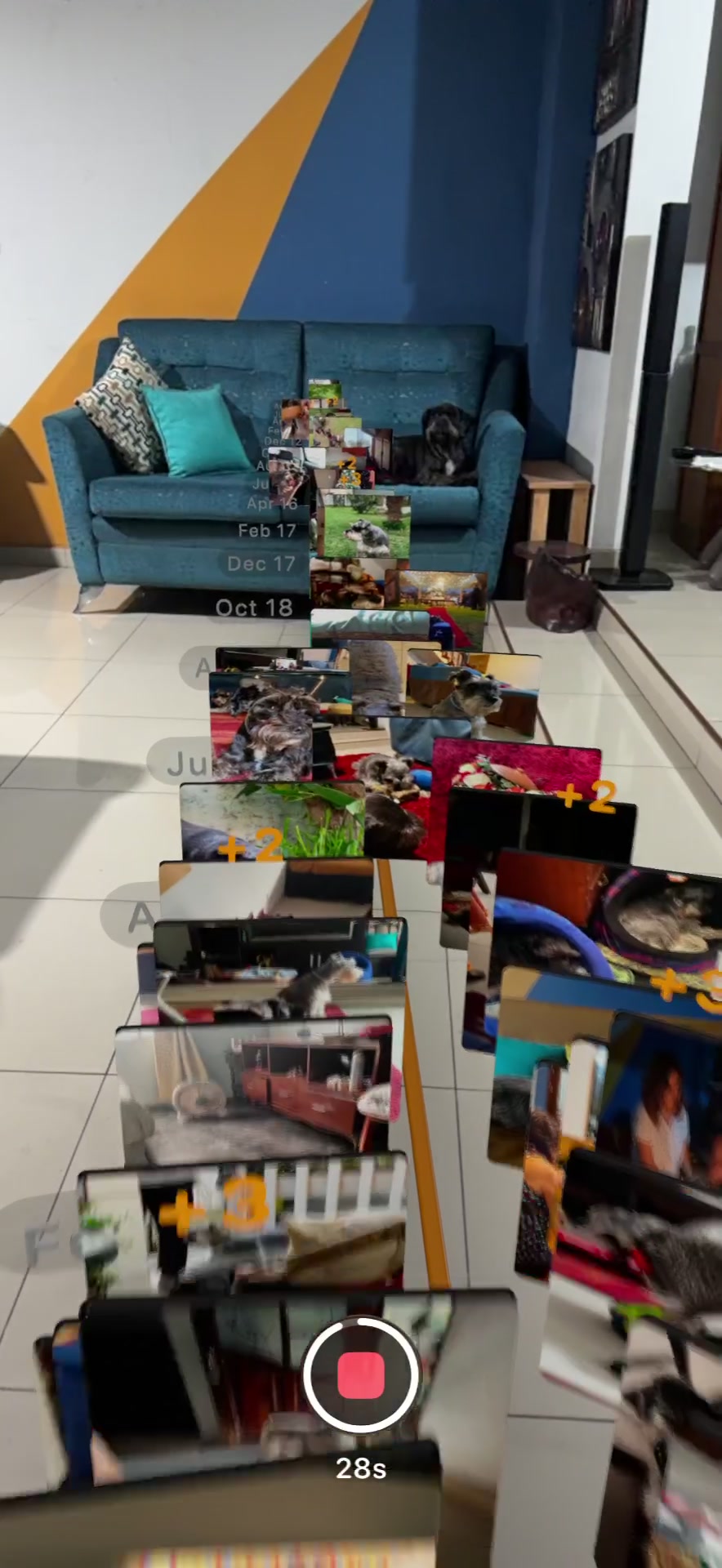
Your years, in your room
ar · 061320×2868 ↗/appstore/iphone/ar.jpg · 884×1920 · in measure
A frame of JC’s own AR recording (temporary, October 15).
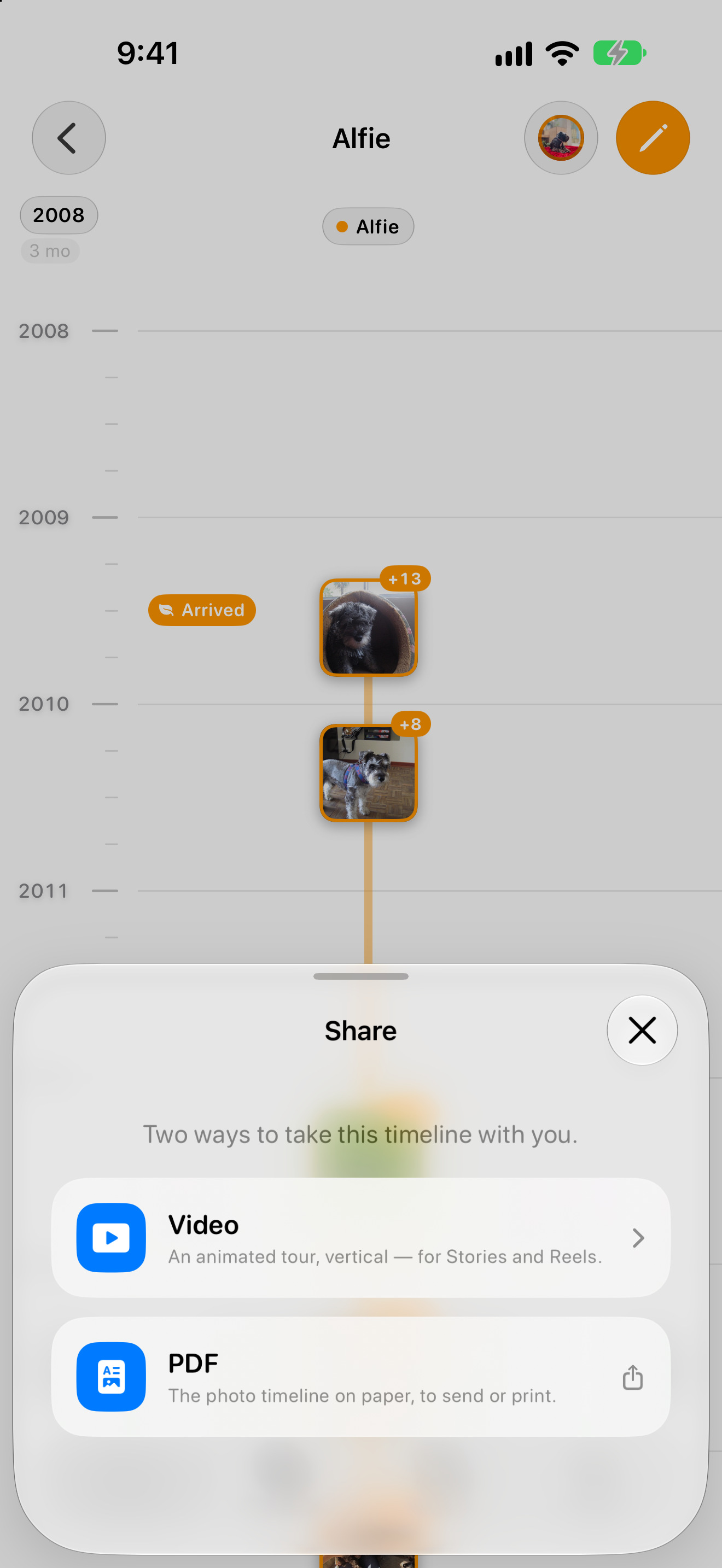
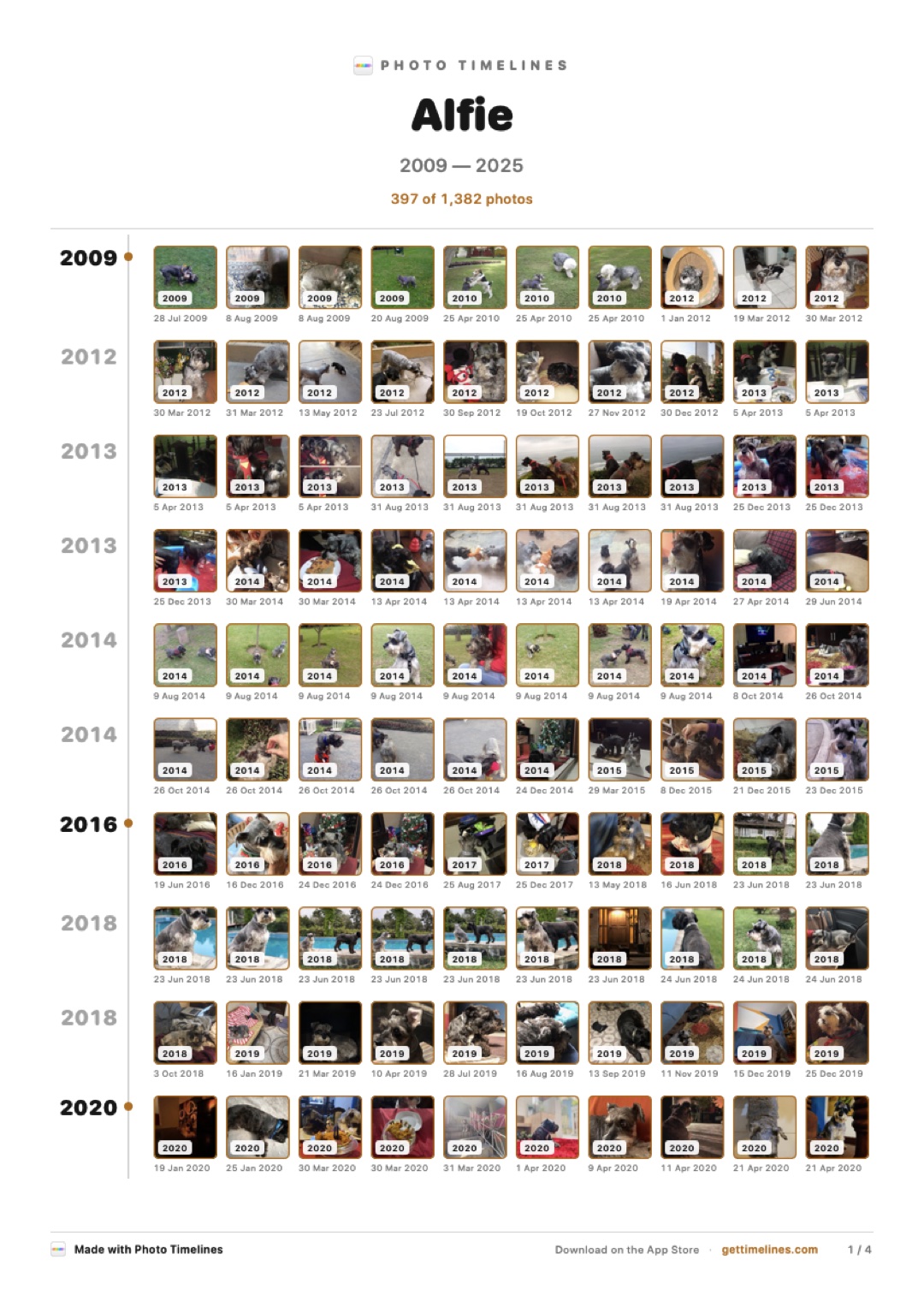
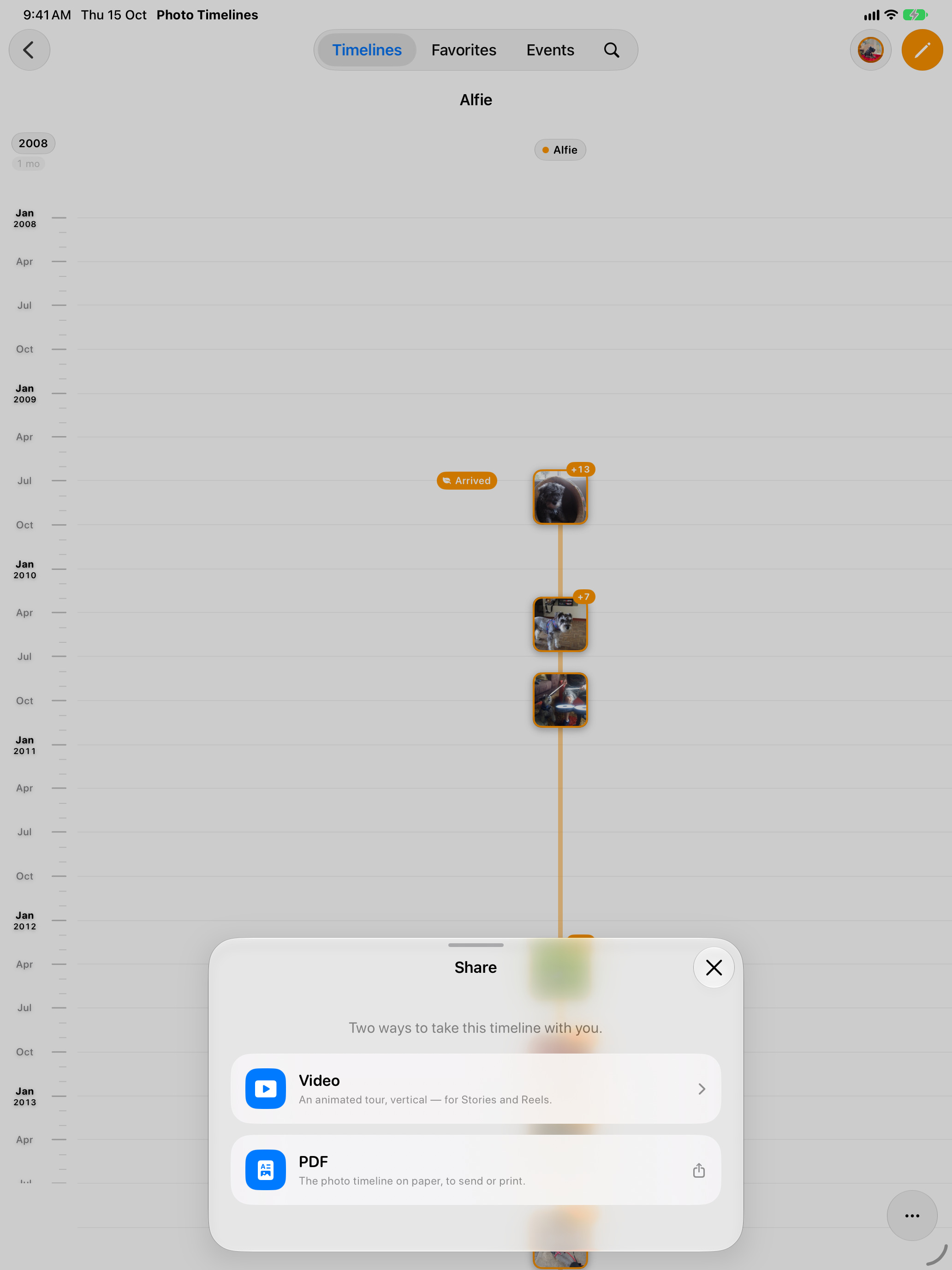
compartir · 071320×2868 ↗A panorama with 08 (JC, October 16): the iPhone with the share sheet first, then what it makes (the A3 print, the four video styles under it).
All your devices
One purchase.
iPhone · iPad · Mac · Apple TV
No subscription · Your photos never leave your devices
equipos · 091320×2868 ↗Composed here from the store stills of every device.
iPad 13″ · portrait
iPad 13″
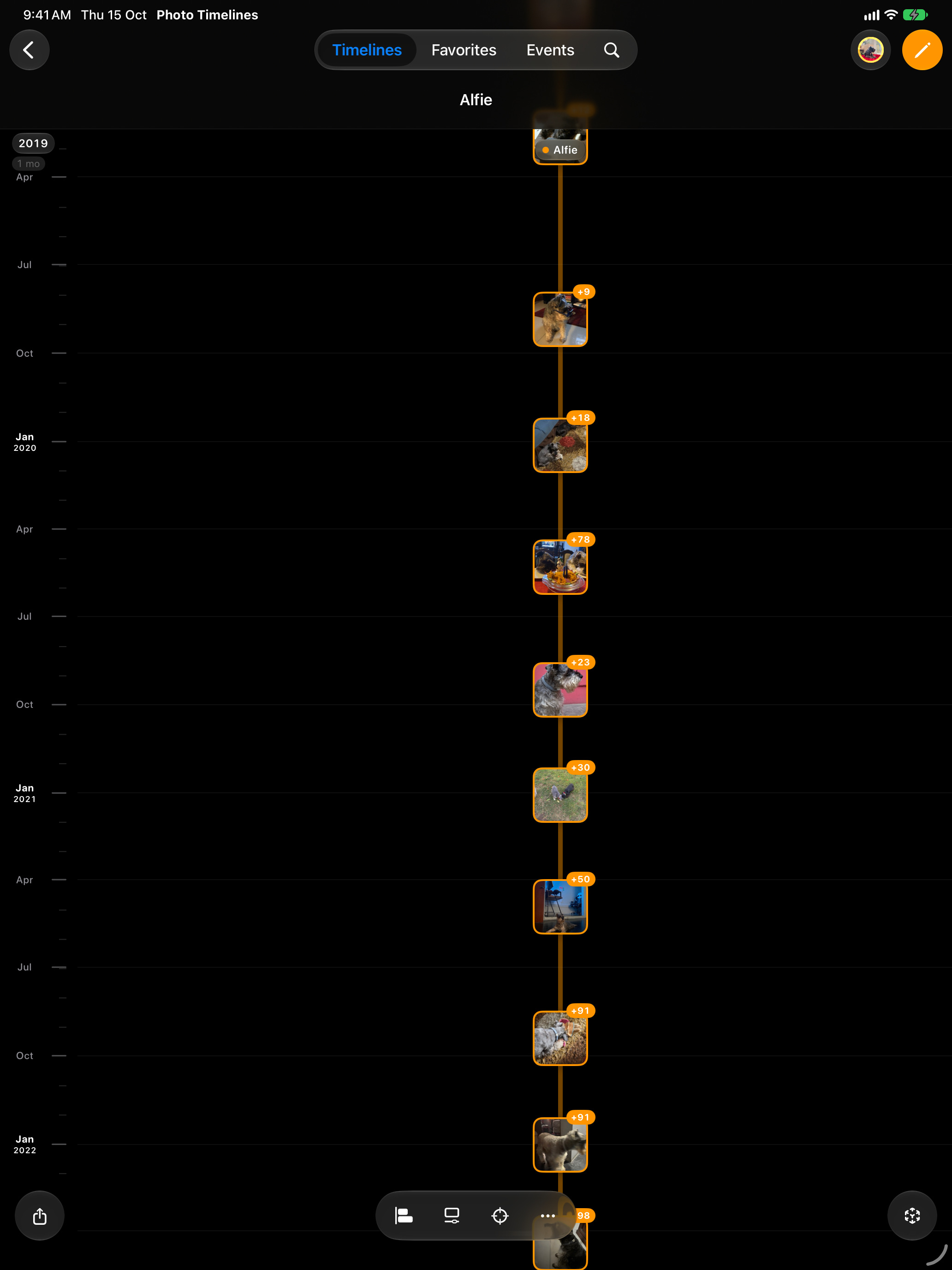
iPad Pro 13-inch (M5) simulator, portrait.
Timelines
Every photo.
Every year.
One life on a timeline
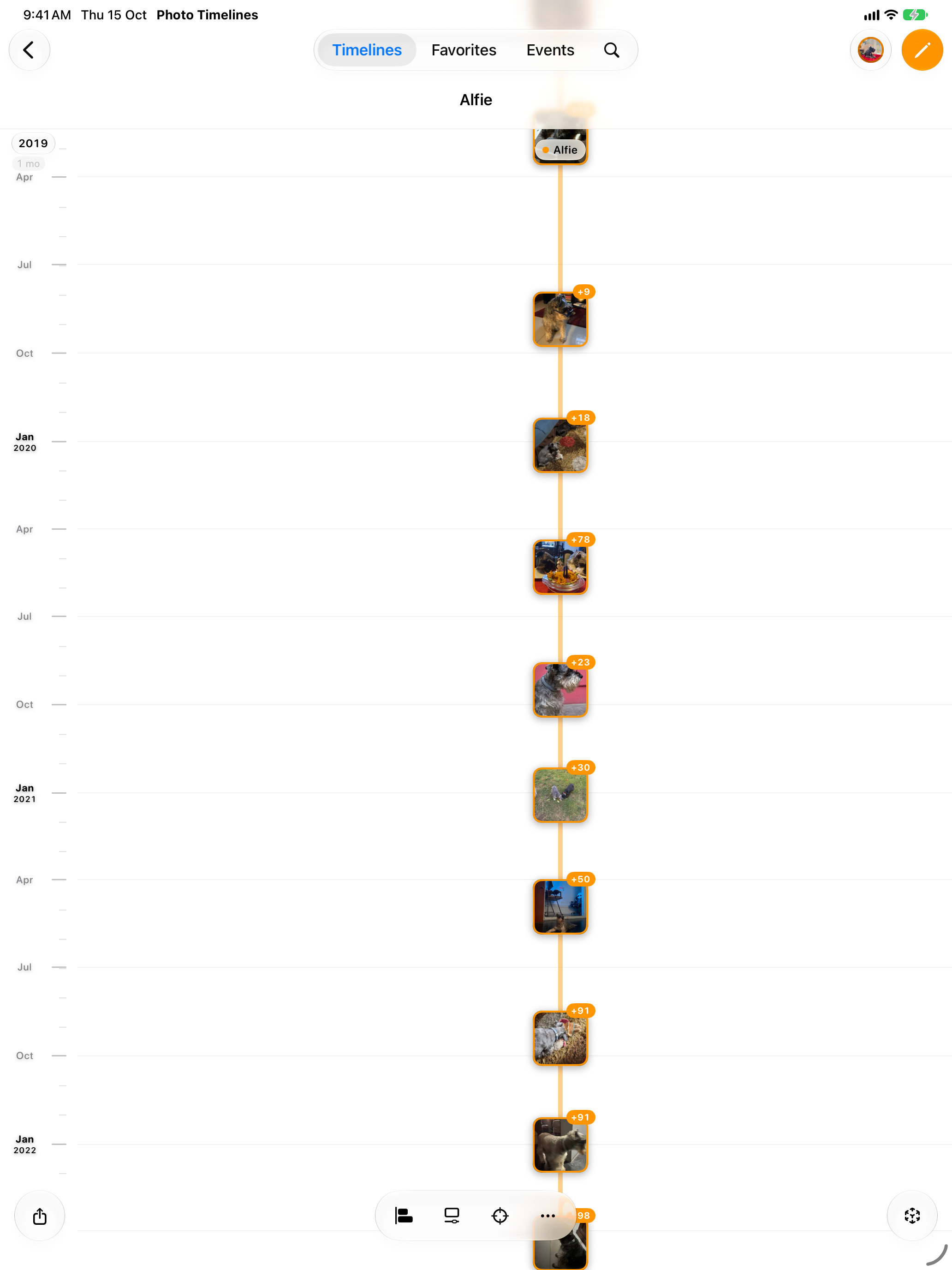
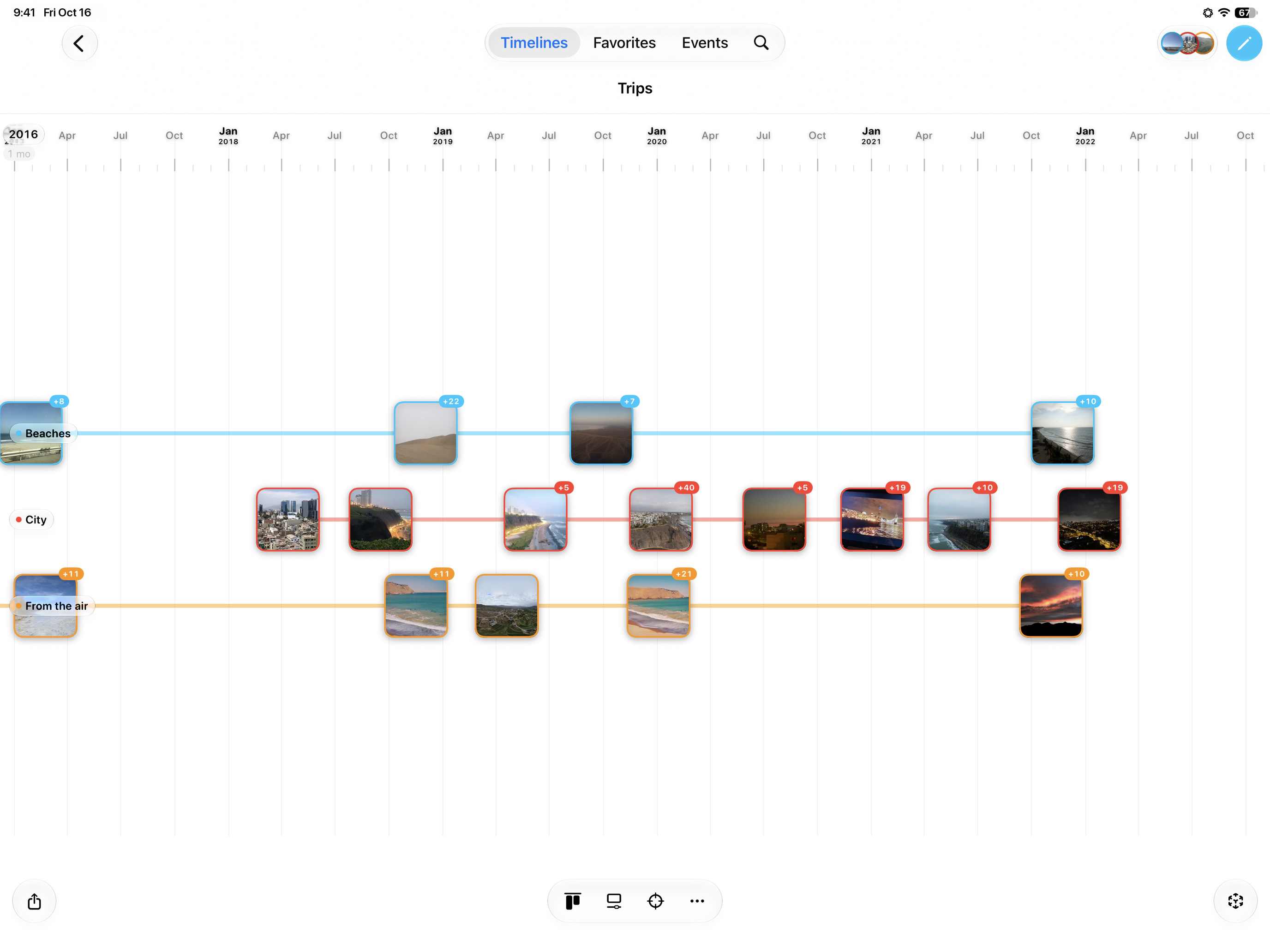
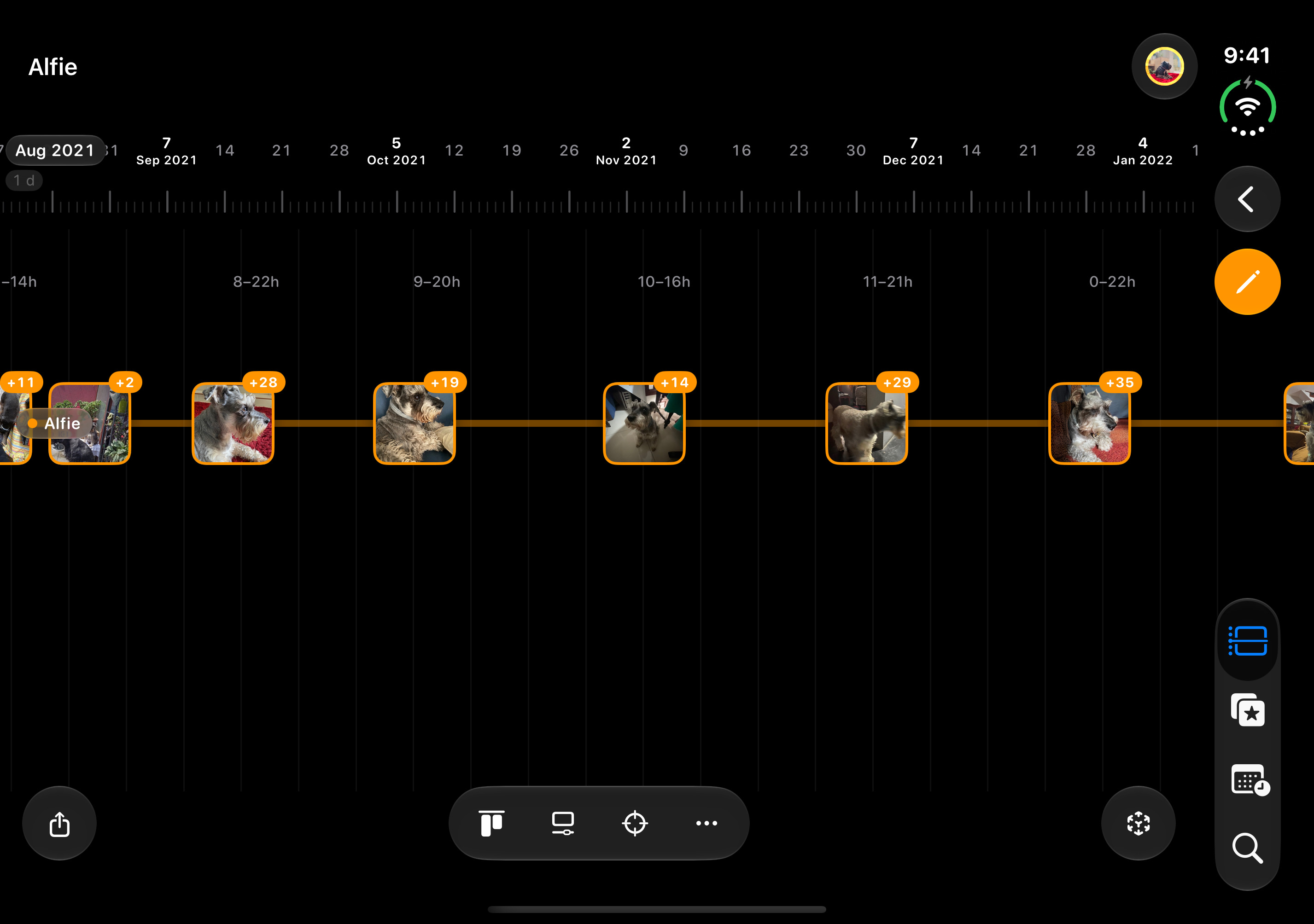
timeline · 012064×2752 ↗/appstore/ipad/en/timeline.jpg · 2064×2752 · in measure
Two iPads: Alfie vertical, and JC’s own Trips horizontal in front (his capture, October 16; English UI in both languages).
Views
Five ways to see the years
vistas · 022064×2752 ↗A panorama: 02 and 03 are one stage cut in two, and the iPhone on the seam spans both. They only work side by side, in this order.
Views
Timeline, calendar,
map or Flashback
Favorites
The best of every year
favoritos · 042064×2752 ↗/appstore/ipad/en/favoritos.jpg · 2064×2752 · in measure
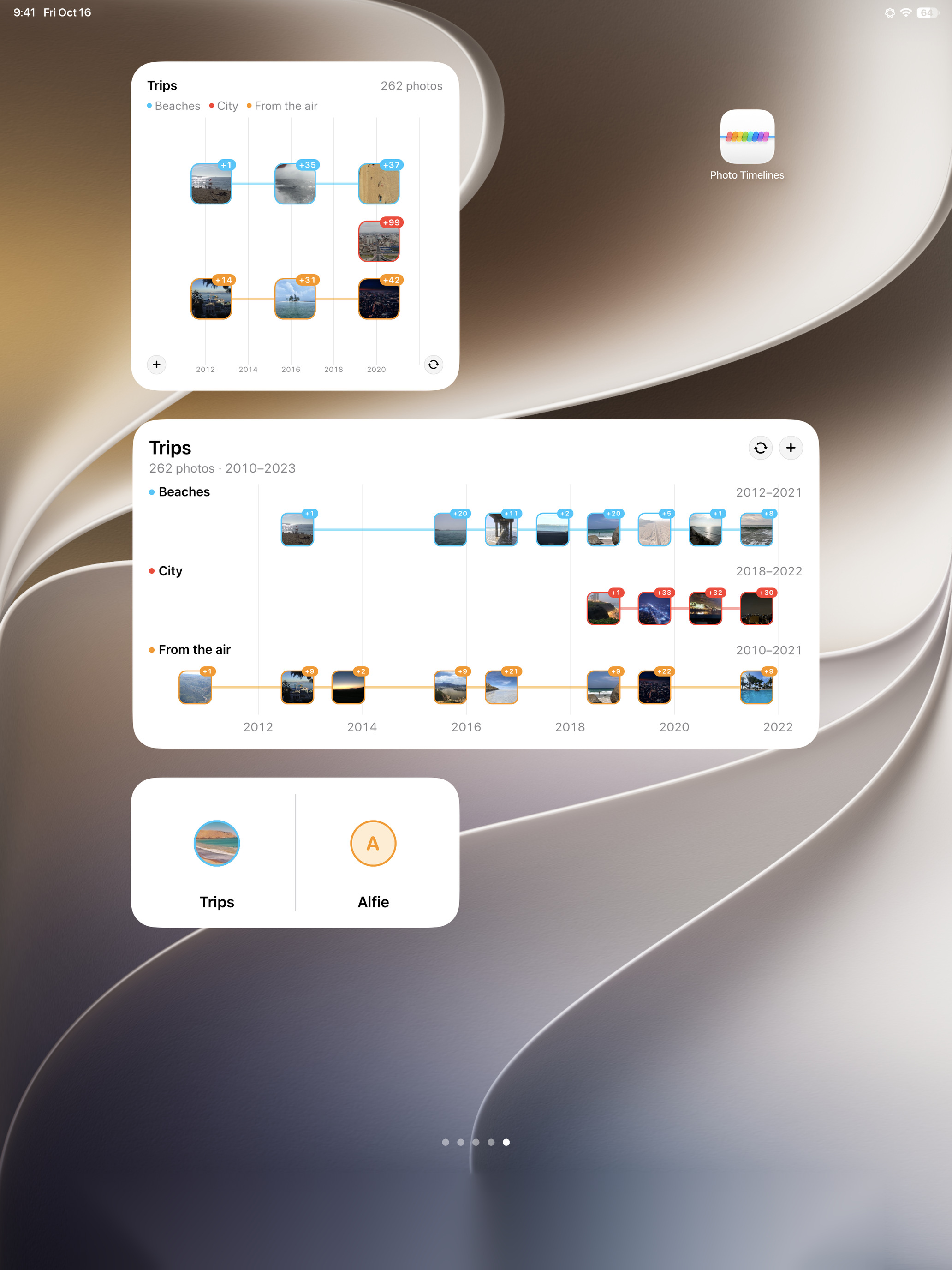
Widgets
Every timeline on your Home Screen
widgets · 052064×2752 ↗/appstore/ipad/en/widgets.jpg · 2064×2752 · in measure
AR
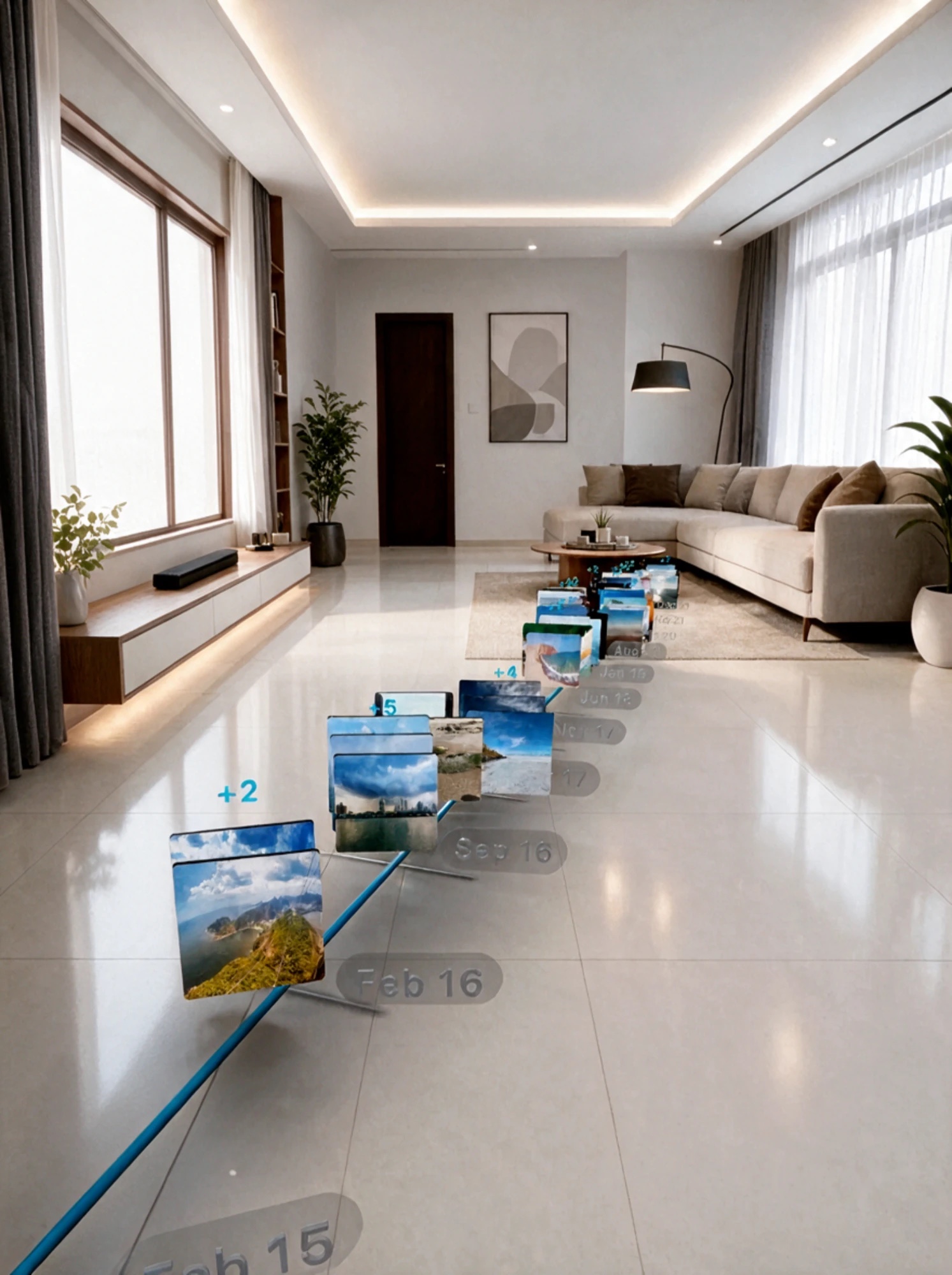
Your years, in your room
ar · 062064×2752 ↗/appstore/ipad/ar.jpg · 1493×2000 · in measure
JC’s iPad AR capture with the room edited (October 17).
All your devices
One purchase.
iPhone · iPad · Mac · Apple TV
No subscription · Your photos never leave your devices
equipos · 092064×2752 ↗Composed here from the store stills of every device.
2880 × 1800 · 16:10 · 2880×1800 · 9 to export The whole display at 1440×900 pt @2x, in its demo mode, with Apple’s official bezel.
Timelines
Every photo.
Every year.
One life on a timeline
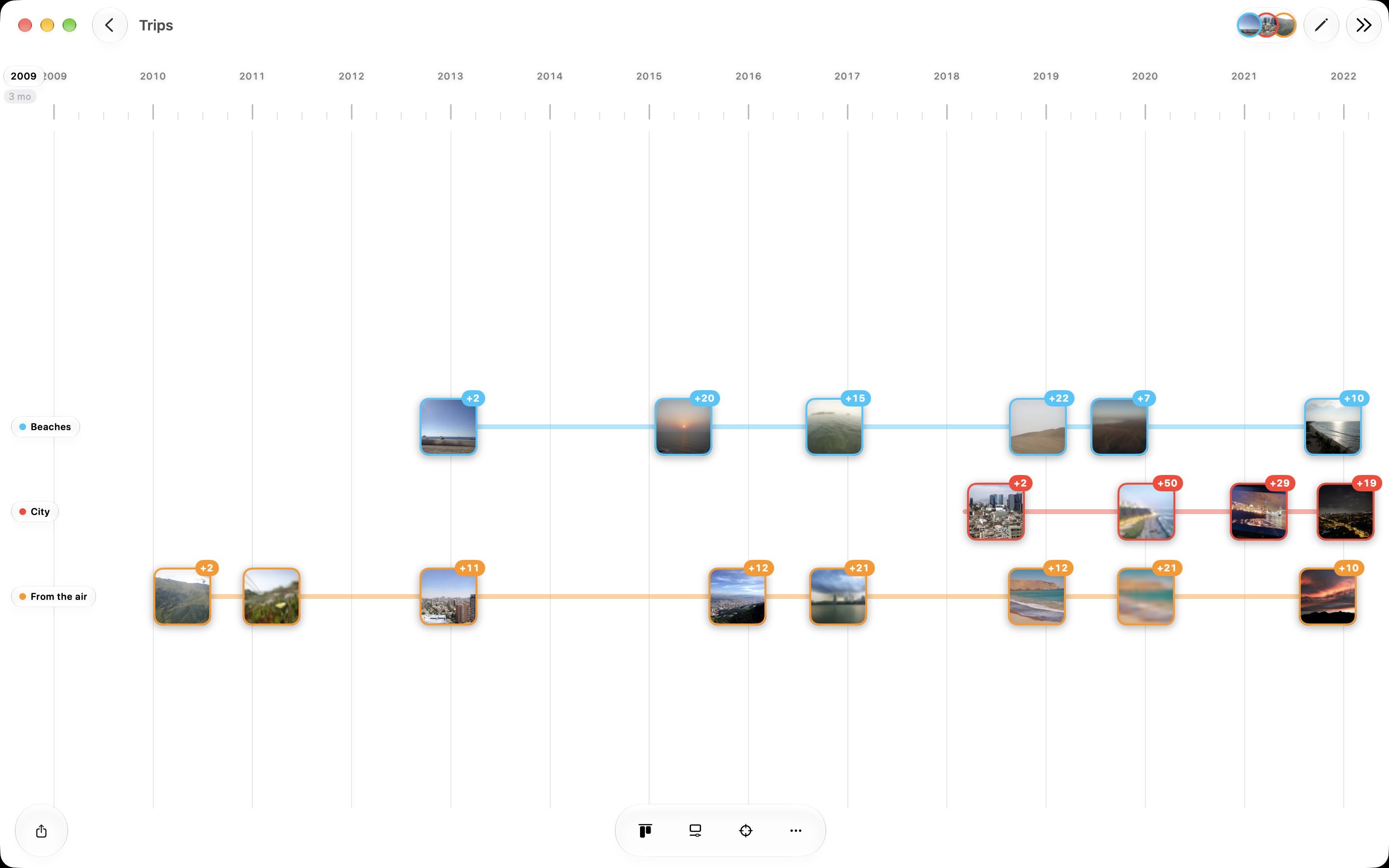
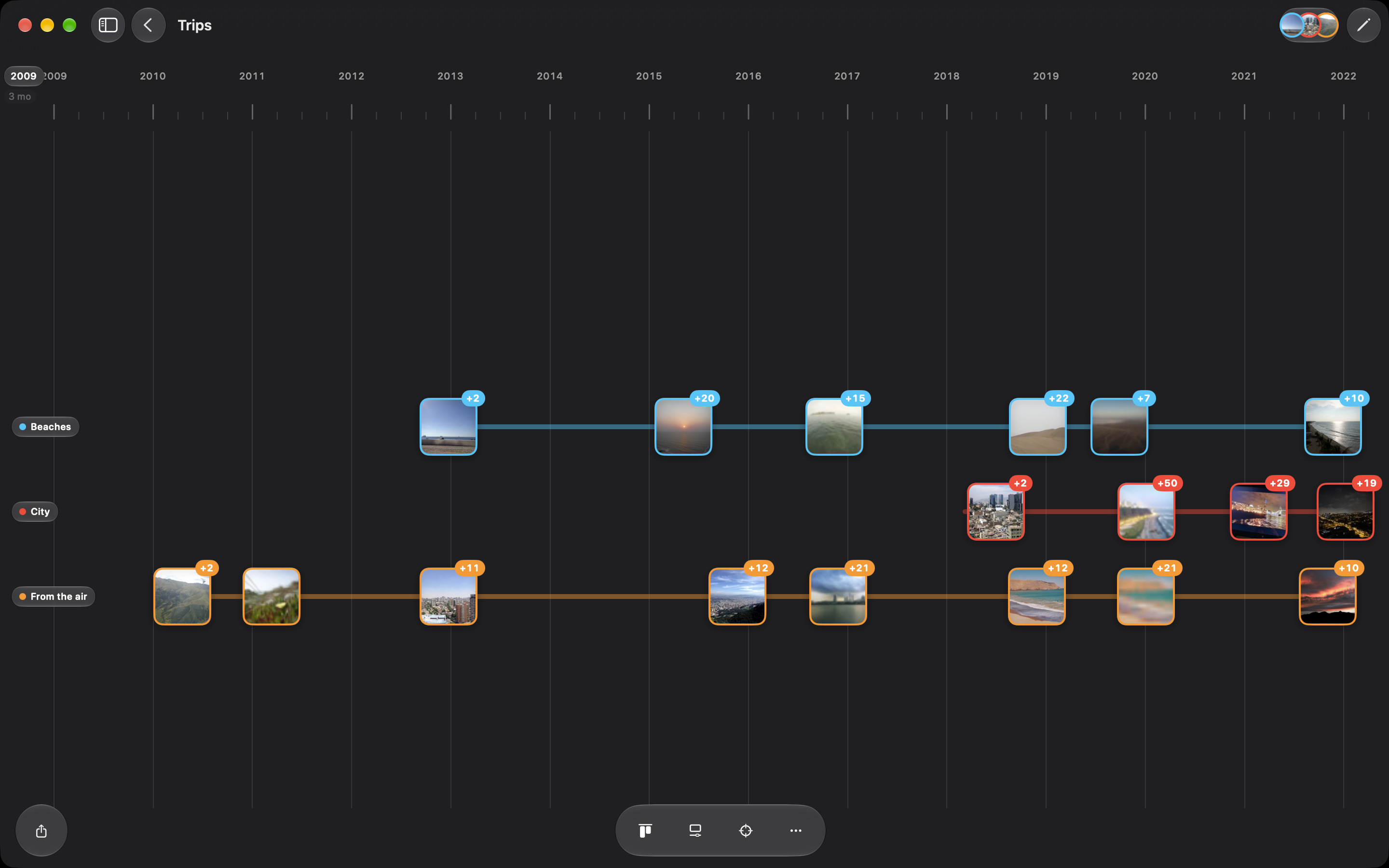
timeline · 012880×1800 ↗/appstore/mac/en/timeline.jpg · 2880×1800 · in measure
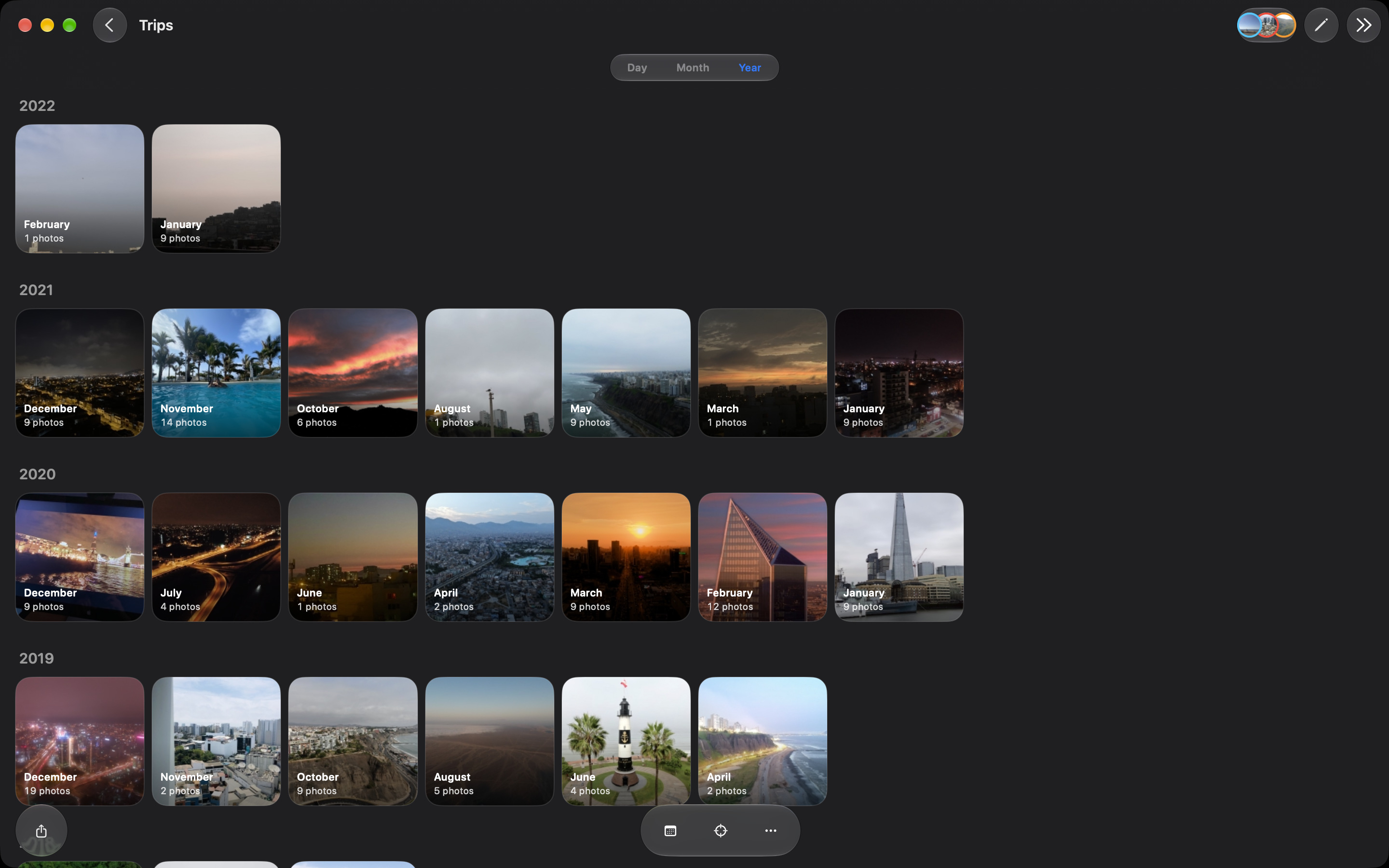
JC’s own Trips (night batch, October 15), public with his OK (October 15).
Views
Back through the years
flashback · 022880×1800 ↗/appstore/mac/en/flashback.jpg · 2880×1800 · in measure
Views
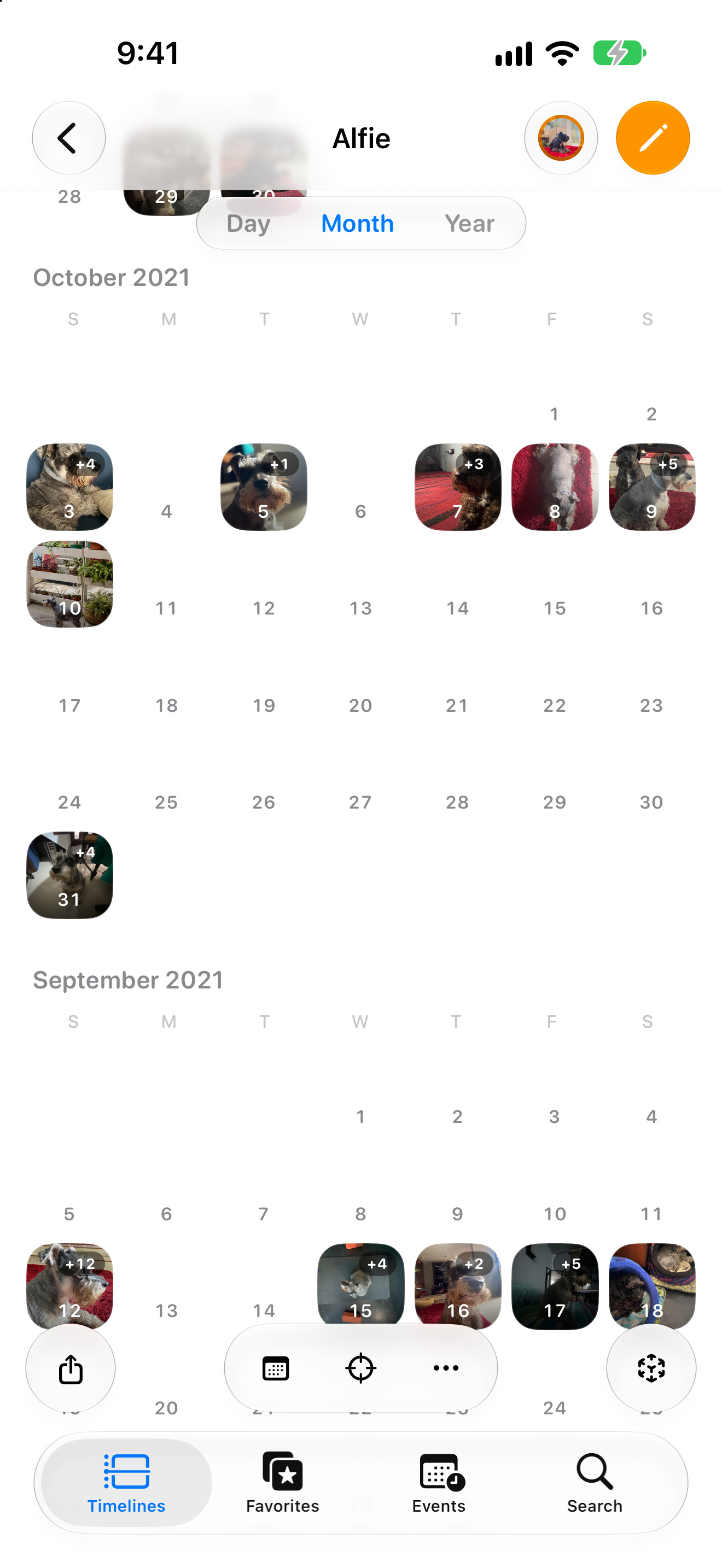
The same years, as a calendar
calendario · 032880×1800 ↗/appstore/mac/en/calendario.jpg · 2880×1800 · in measure
Views
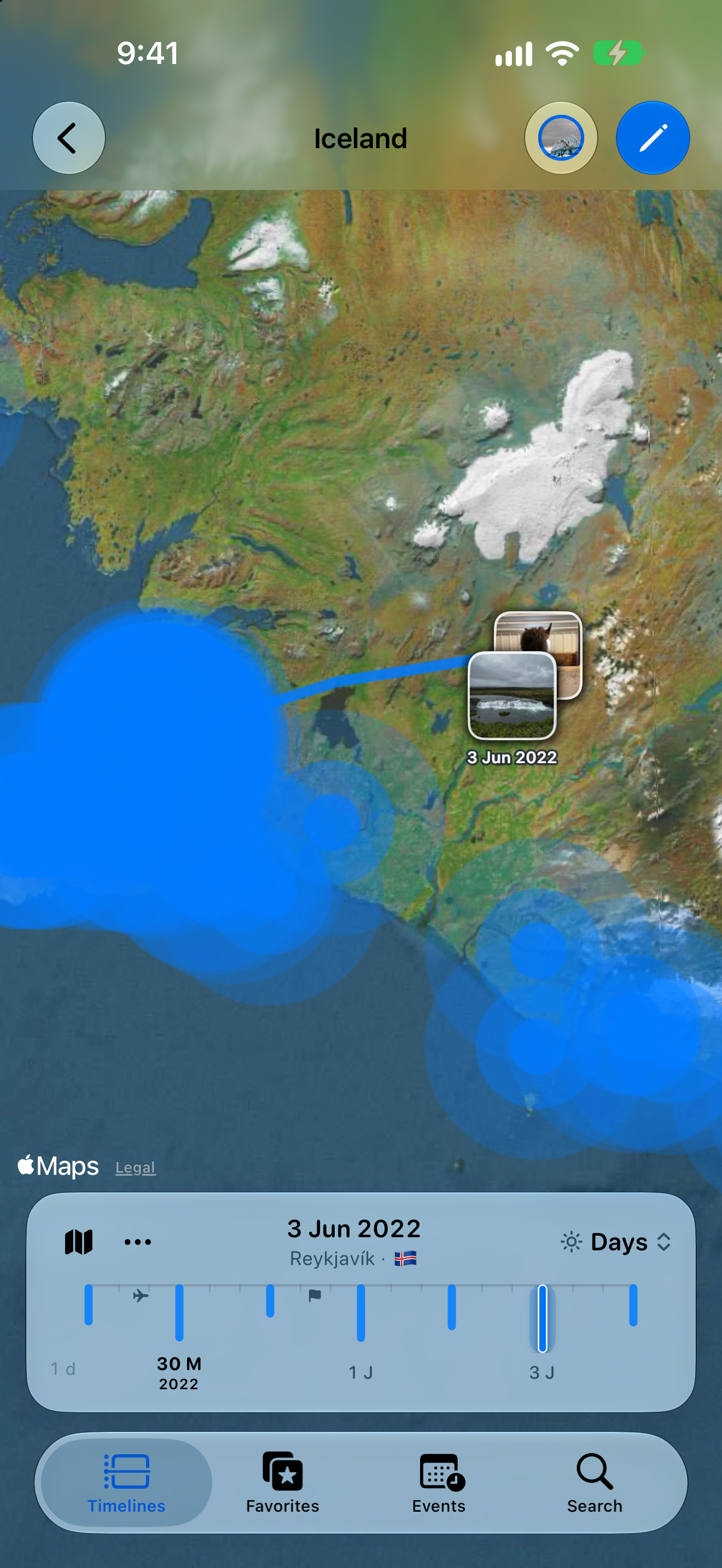
Where every photo was taken
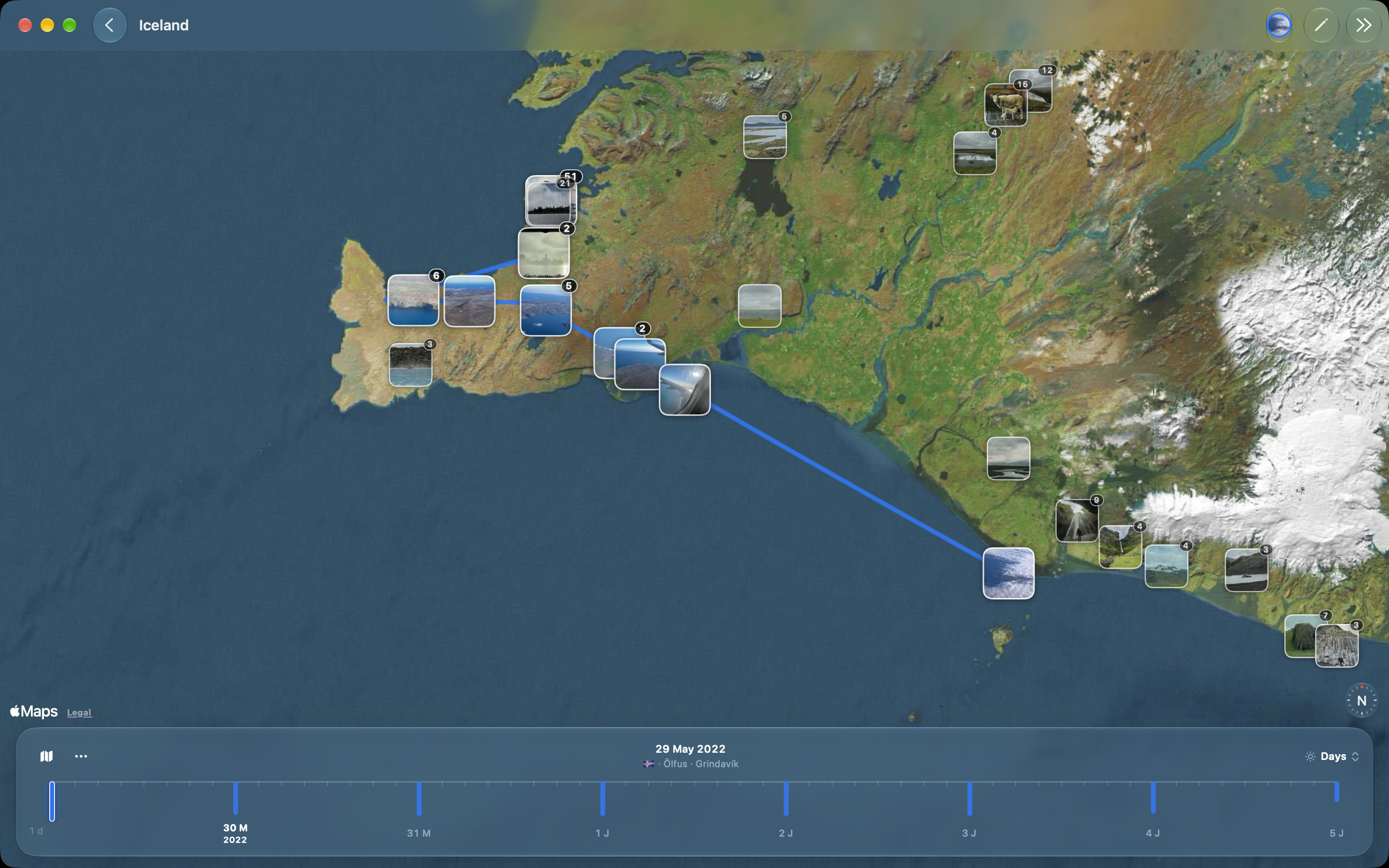
mapa · 042880×1800 ↗/appstore/mac/en/mapa.jpg · 2880×1800 · in measure
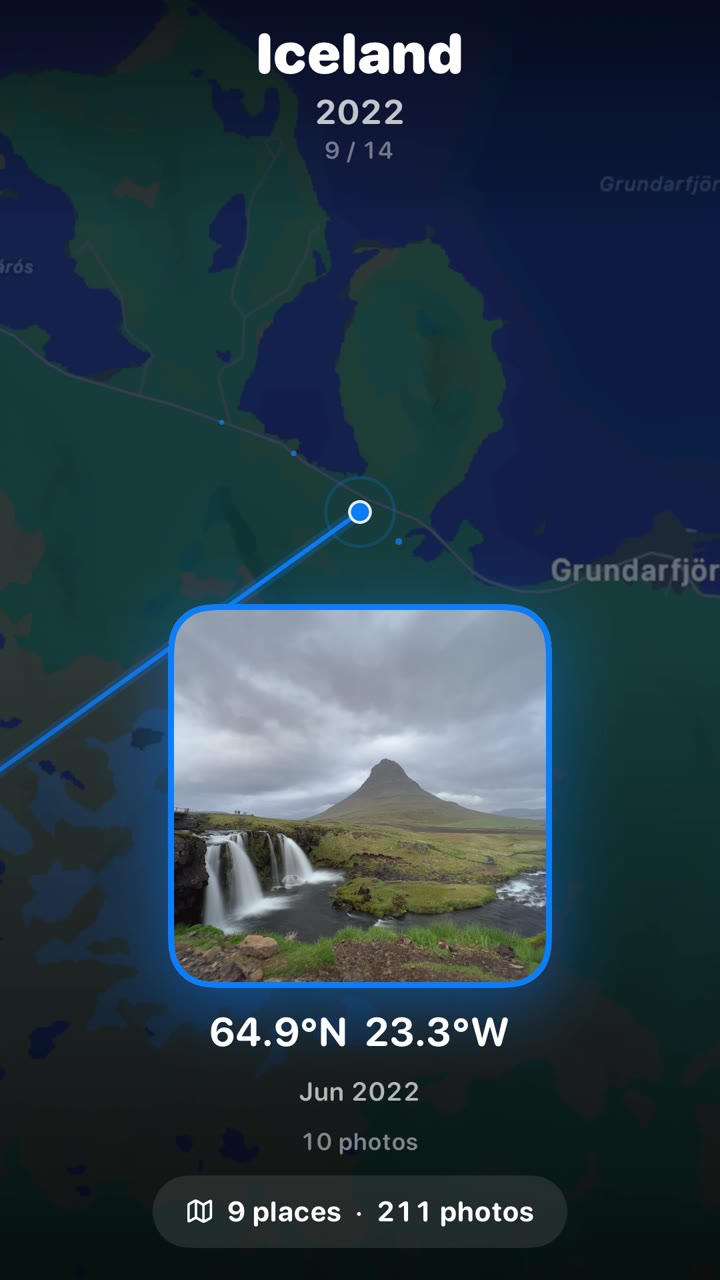
Approved by JC (October 14): the Iceland trip, never street level near home. Night batch, October 15.
Timelines
Name it, pick a kind
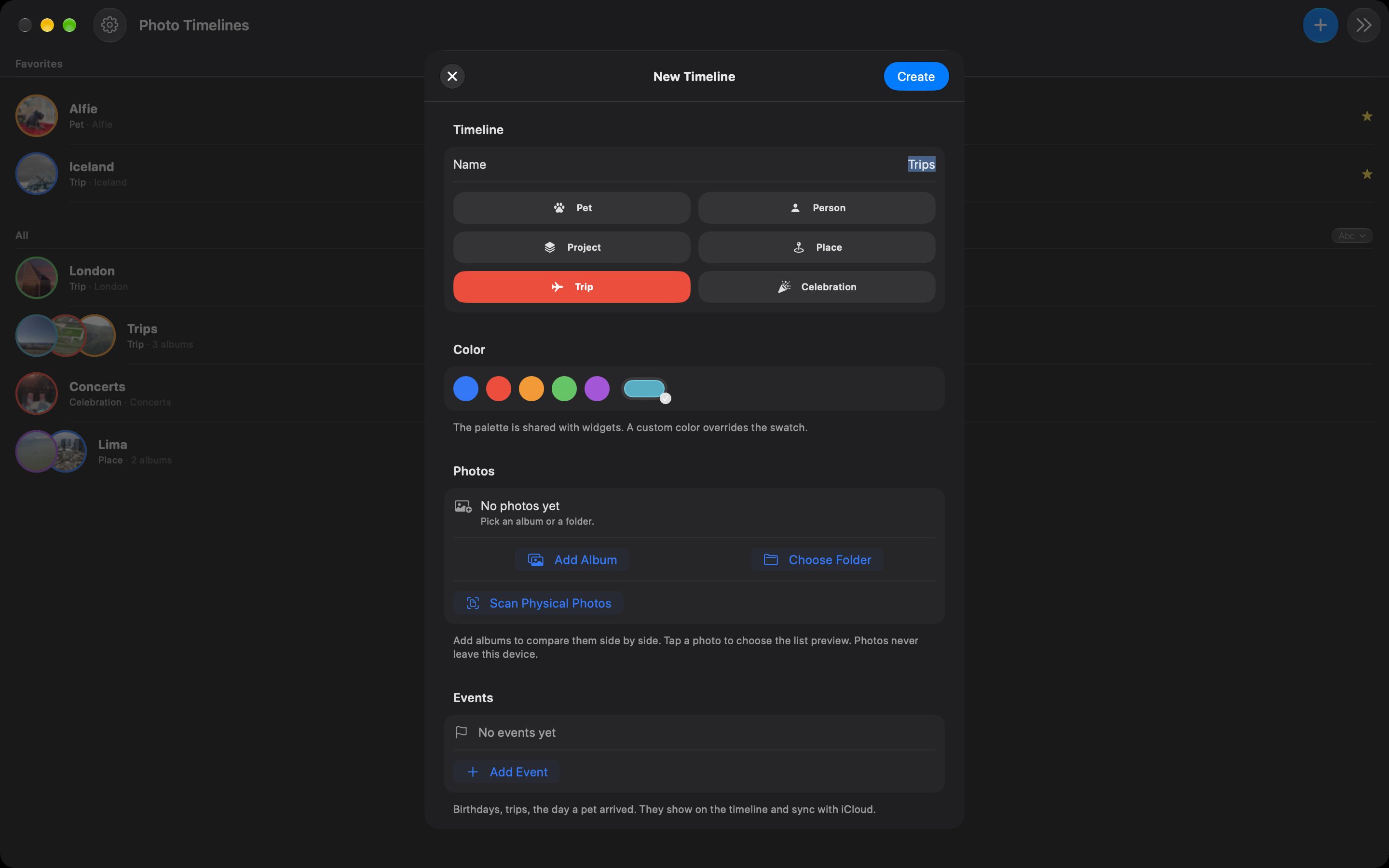
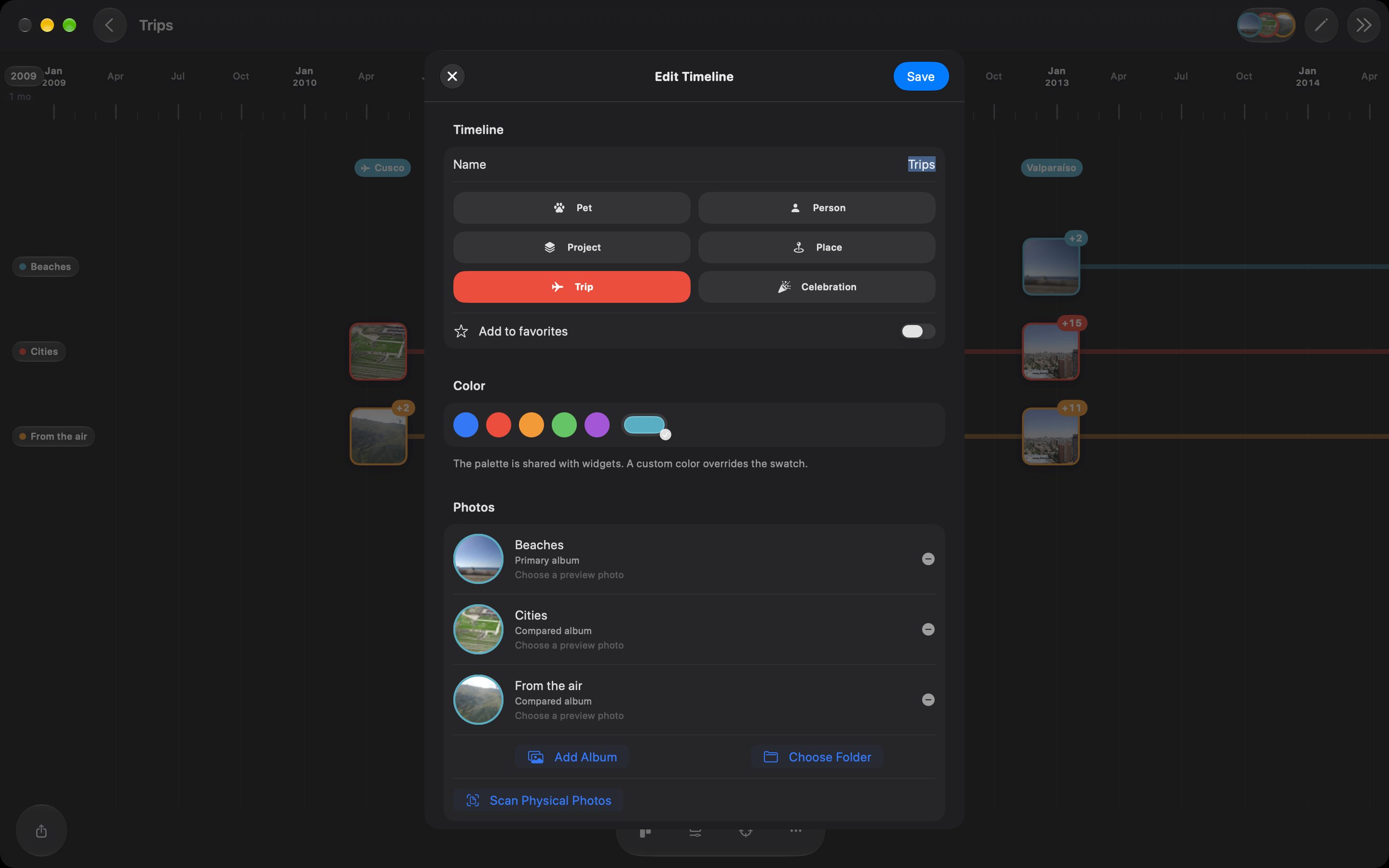
crear · 052880×1800 ↗/sets/viajes/pantallas/crear-1-nuevo-mac.jpg · 2880×1800 · in measure
Nine, in the iPhone’s order (Tim Apple, 2026-10-23): the timeline, three views, then what the Mac does its own way. There is no AR on the Mac and no Mac still of Favorites, the widgets or the share sheet, so 05–07 are the landing’s Create on the Mac (name and kind, album or folder, the lanes), from its Mac captures with the English UI in both languages. Add Event stays out: its Mac sheet shows Repeat twice.
Timelines
Album or folder, on the Mac
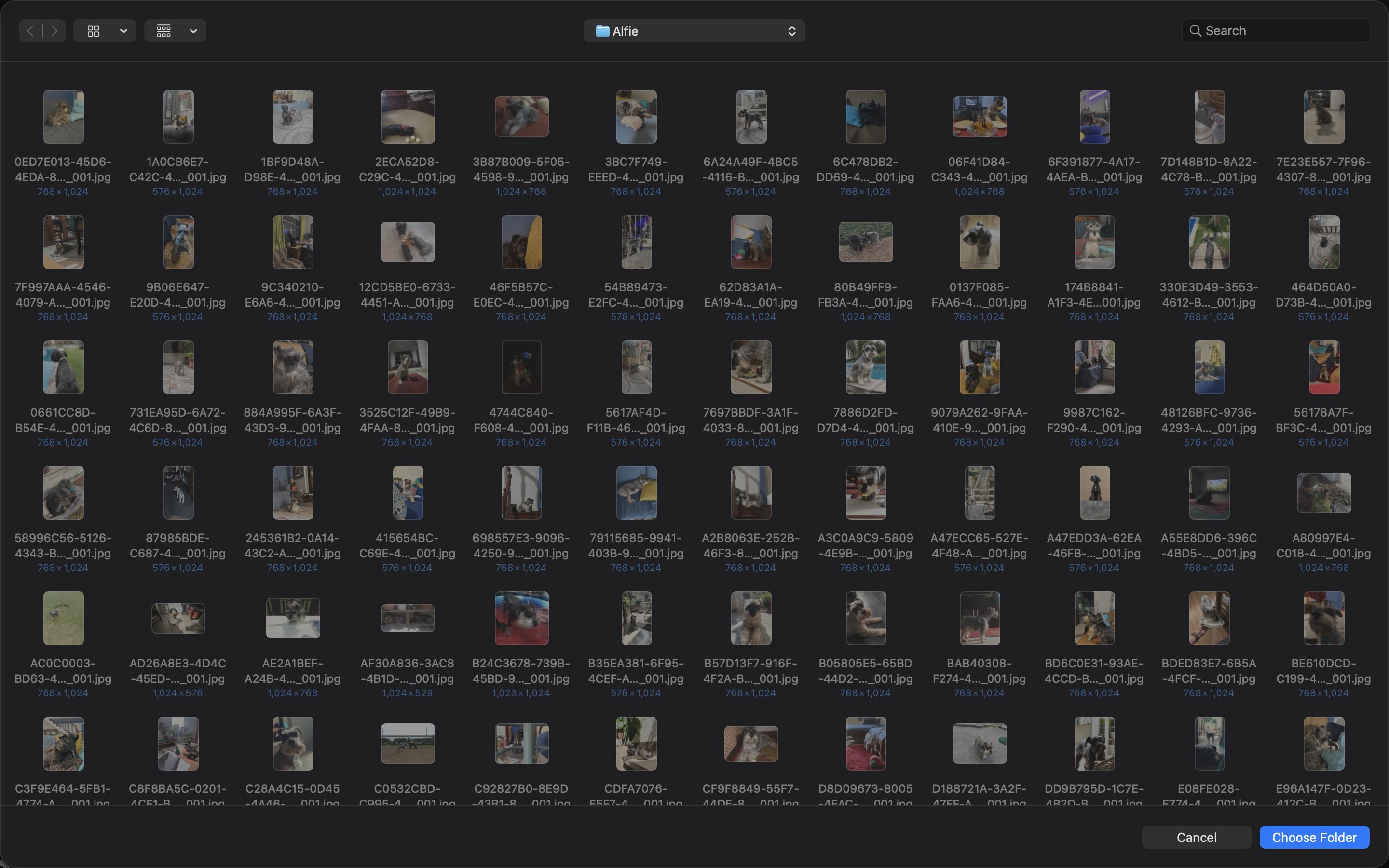
carpeta · 062880×1800 ↗/sets/alfie/pantallas/extras-mac.jpg · 2880×1800 · in measure
Timelines
Each album is a lane.
Compare them side by side
carriles · 072880×1800 ↗/sets/viajes/pantallas/crear-4-editar-mac.jpg · 2880×1800 · in measure
All your devices
One purchase.
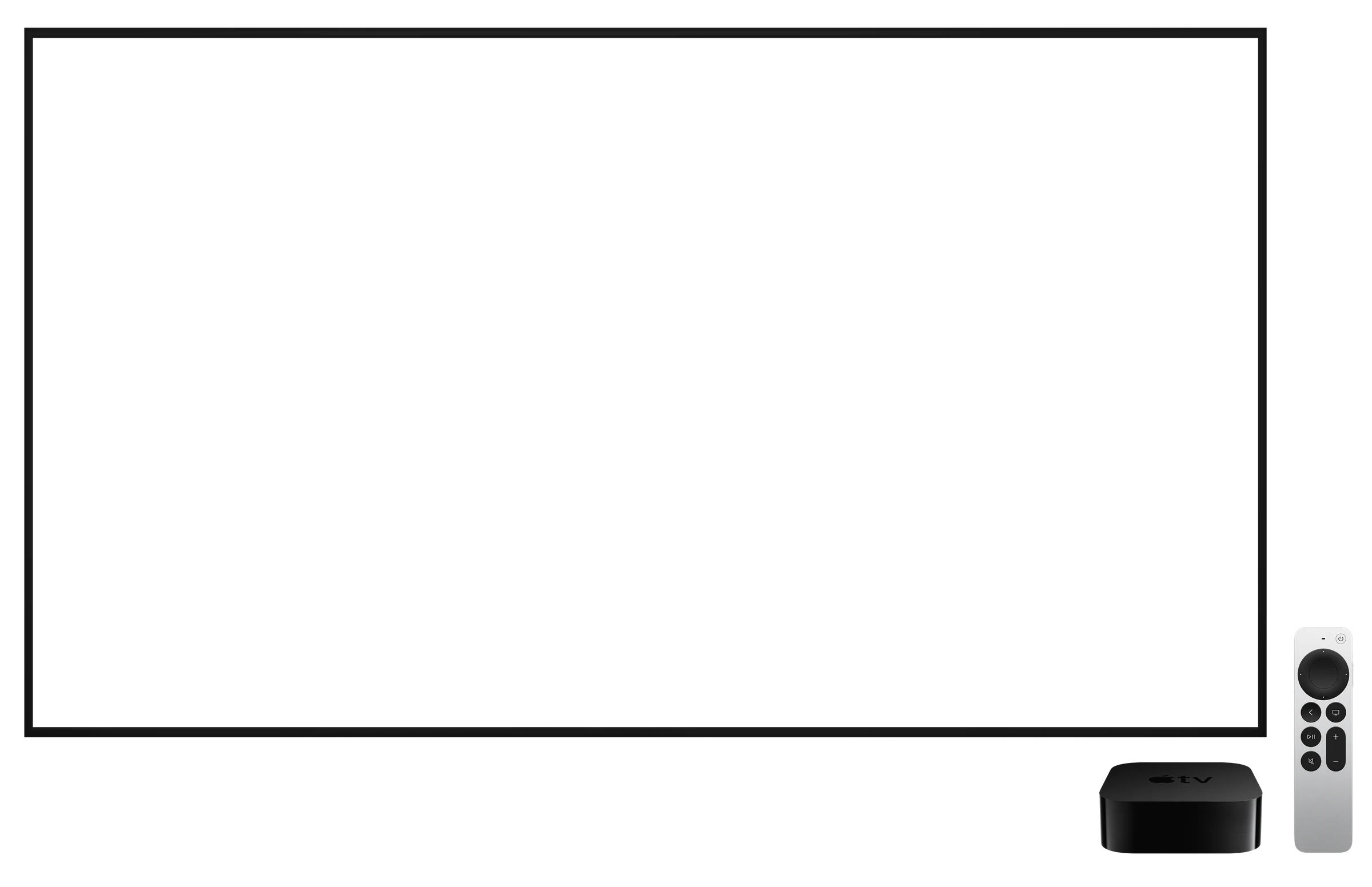
iPhone · iPad · Mac · Apple TV
No subscription · Your photos never leave your devices
equipos · 092880×1800 ↗Composed here from the store stills of every device.
Apple TV · landscape
No headline
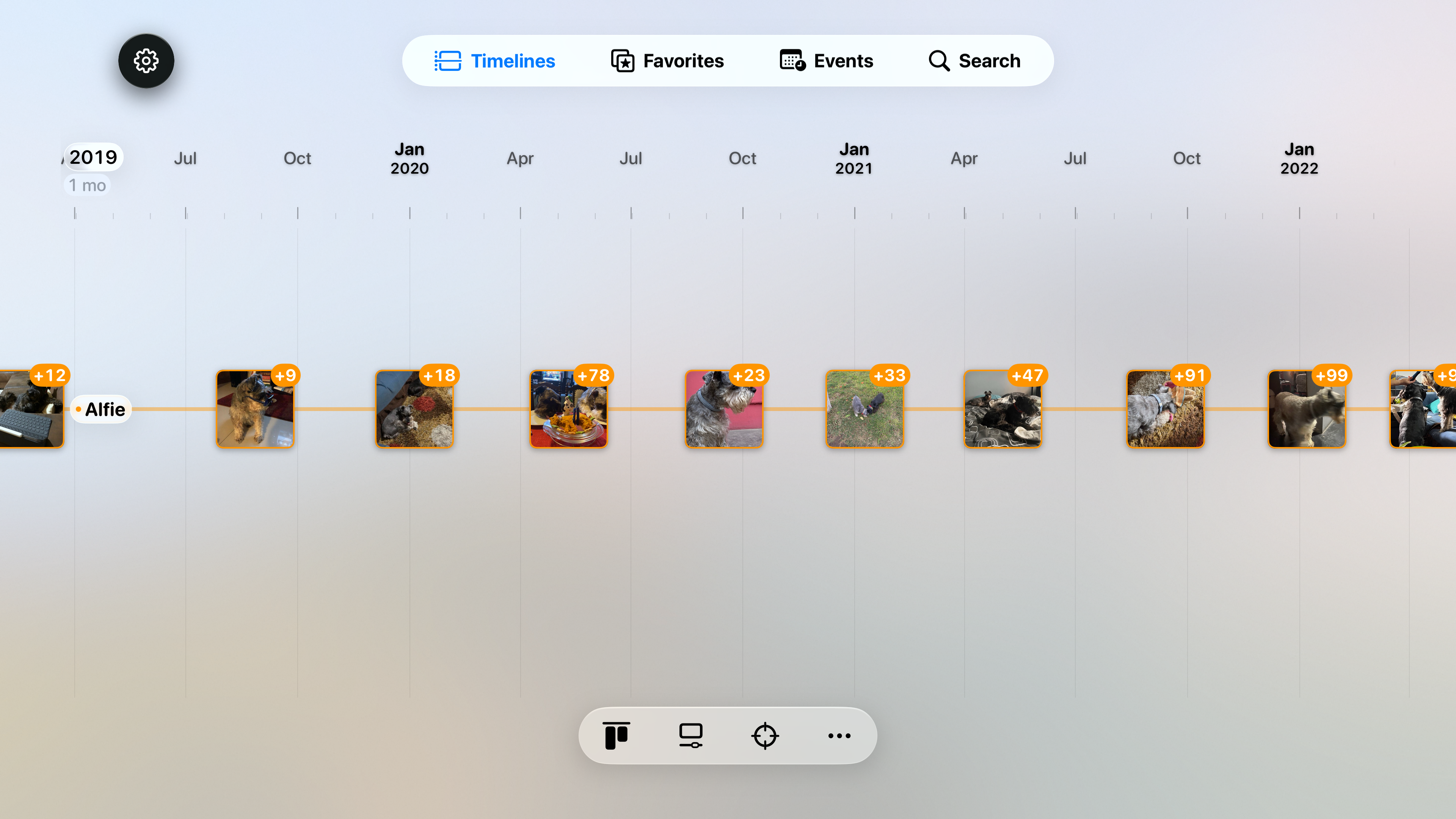
Apple TV 4K simulator, the screen alone, no headline (as in Music).
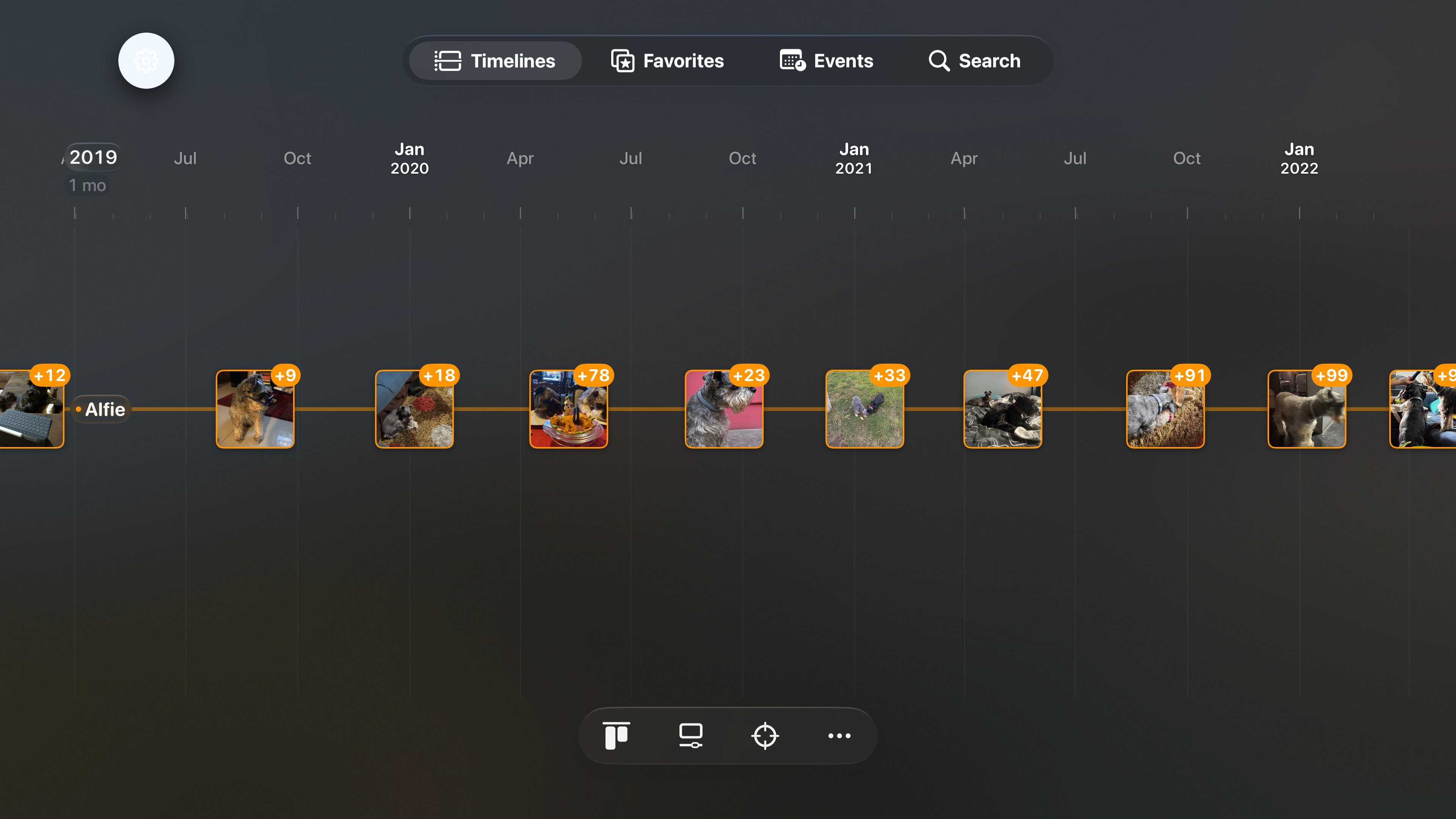
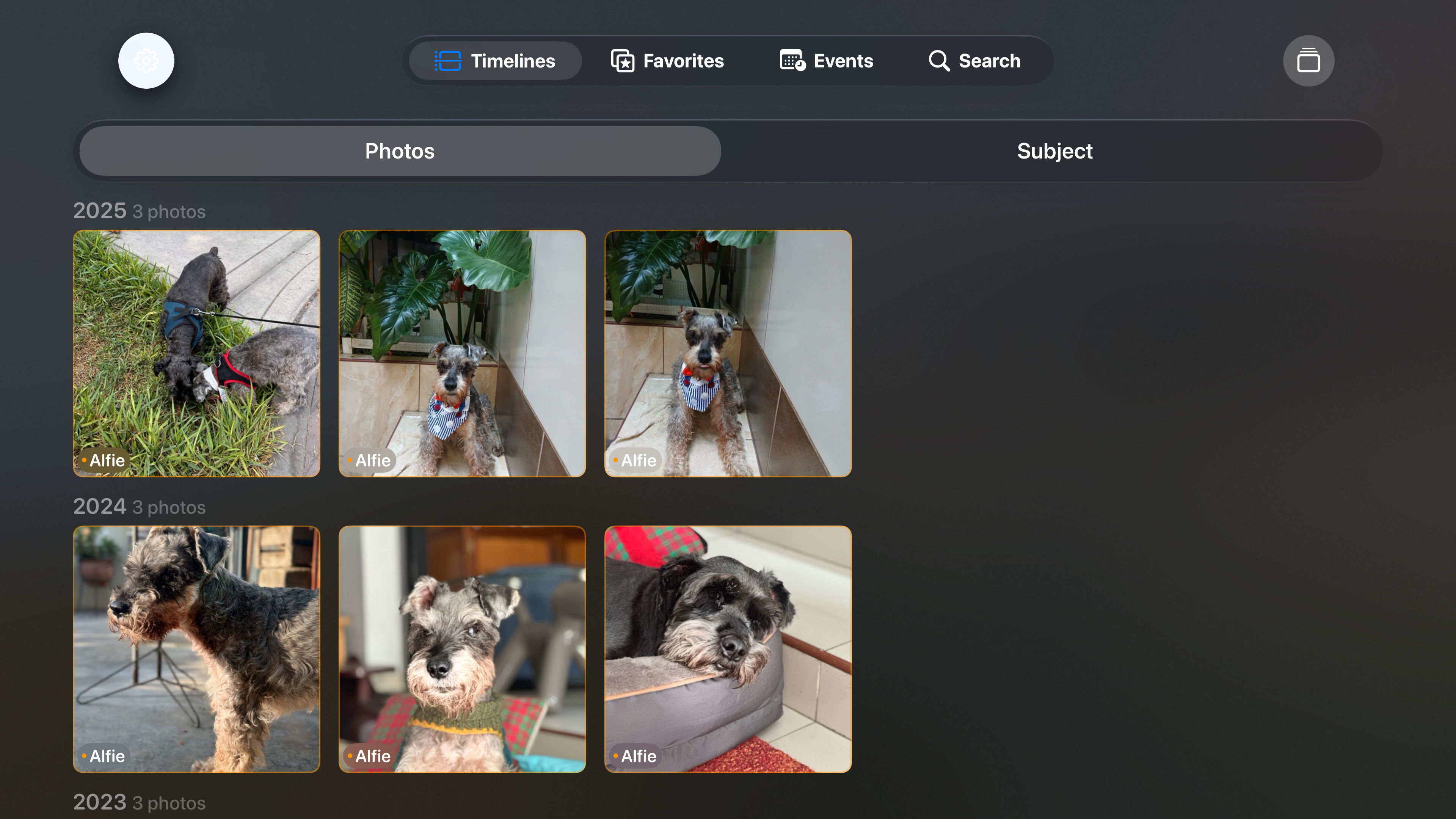
tv-timeline · 013840×2160 ↗/appstore/tv/en/tv-timeline.png · 3840×2160 · in measure
A starting point: the app proposes the final screens for this device (docs/BRIEF-xcode-material.md).
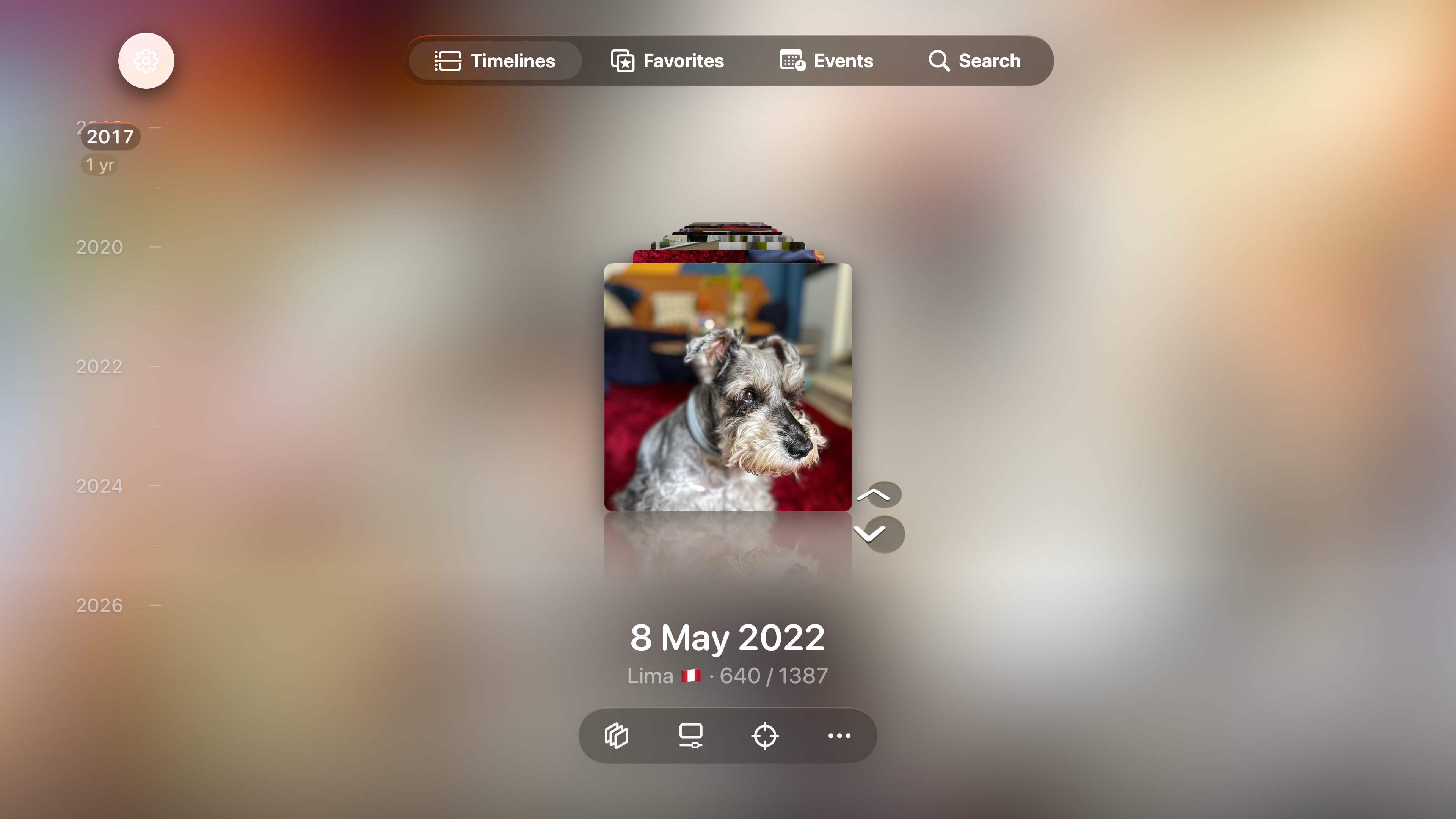
tv-flashback · 023840×2160 ↗/appstore/tv/en/tv-flashback.png · 3840×2160 · in measure
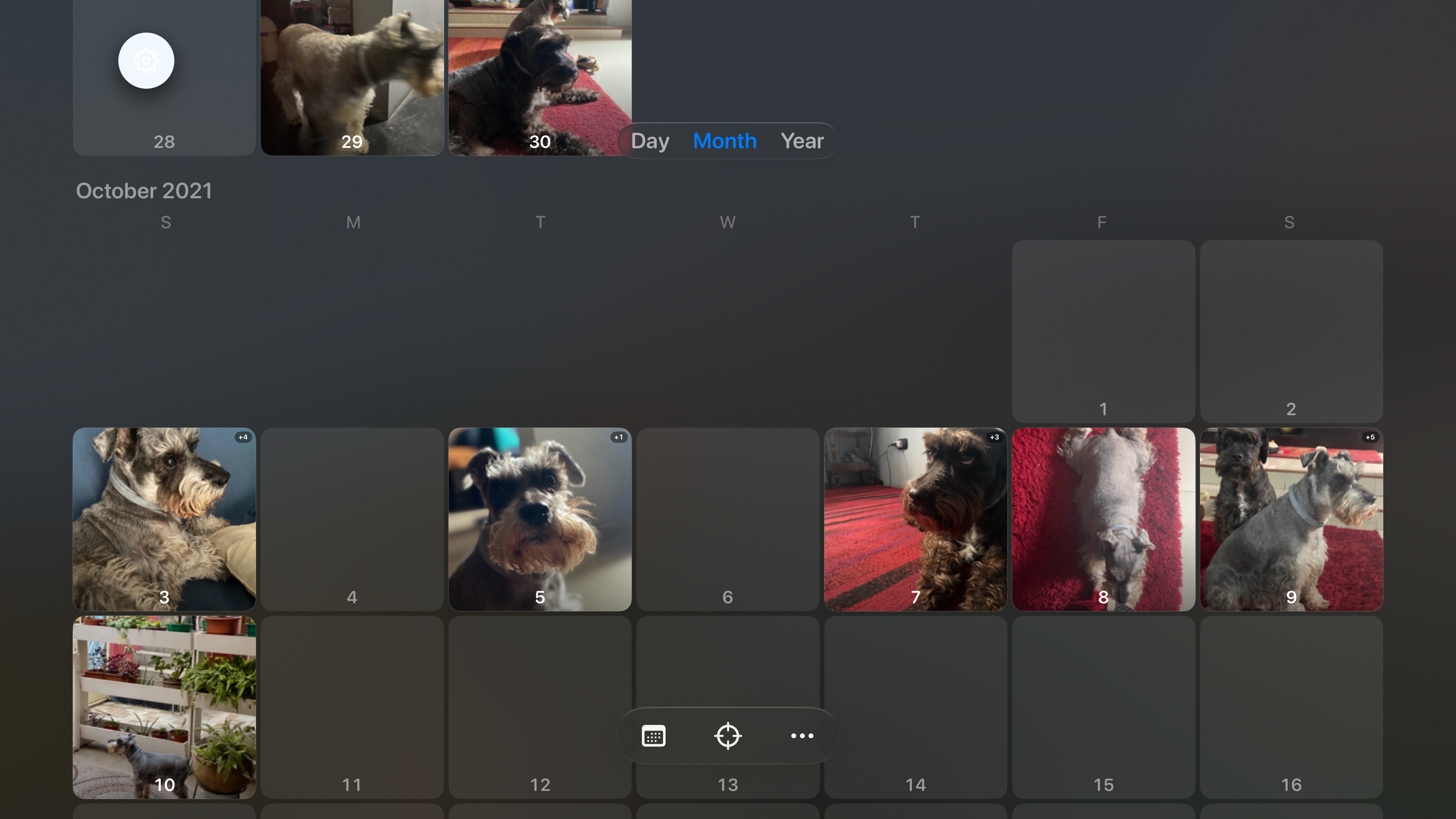
tv-calendario · 033840×2160 ↗/appstore/tv/en/tv-calendario.png · 3840×2160 · in measure
tv-favoritos · 043840×2160 ↗/appstore/tv/en/tv-favoritos.png · 3840×2160 · in measure
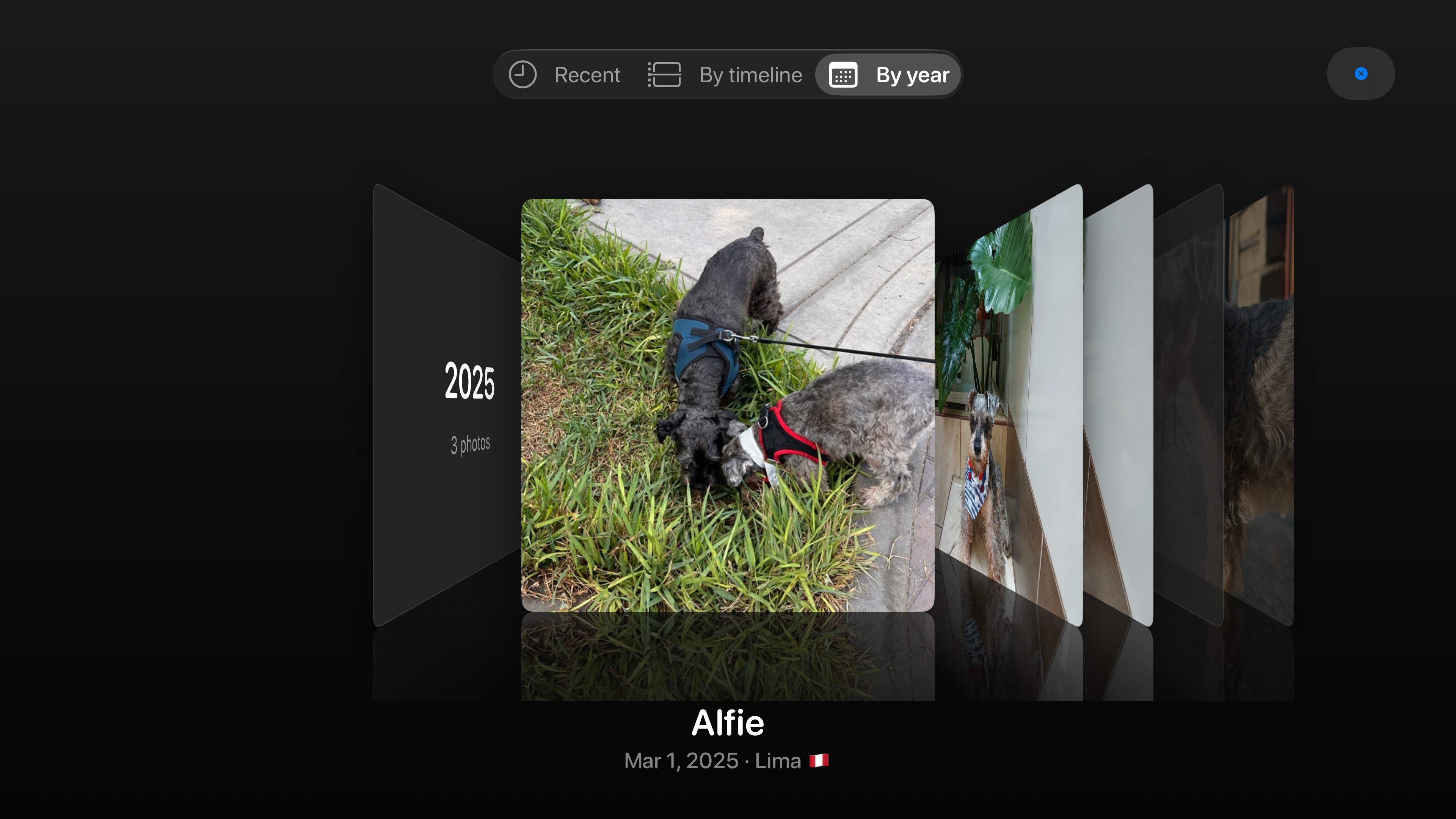
tv-carrusel · 053840×2160 ↗/appstore/tv/en/tv-carrusel.png · 3840×2160 · in measure
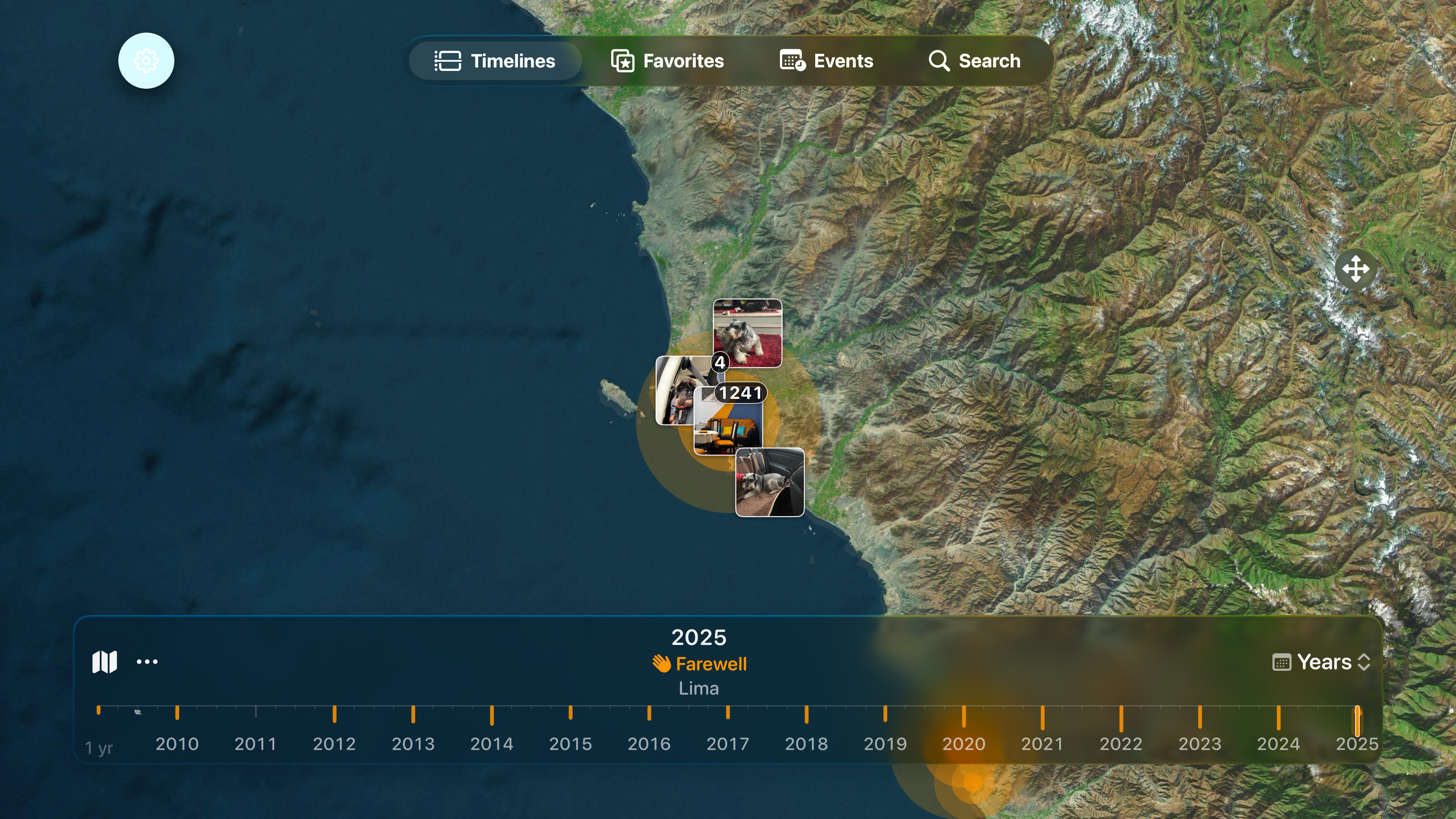
tv-mapa · 063840×2160 ↗/appstore/tv/en/tv-mapa.png · 3840×2160 · in measure
The tvOS demo mode holds only Alfie’s photos, so the map is Lima at city level, not Iceland.
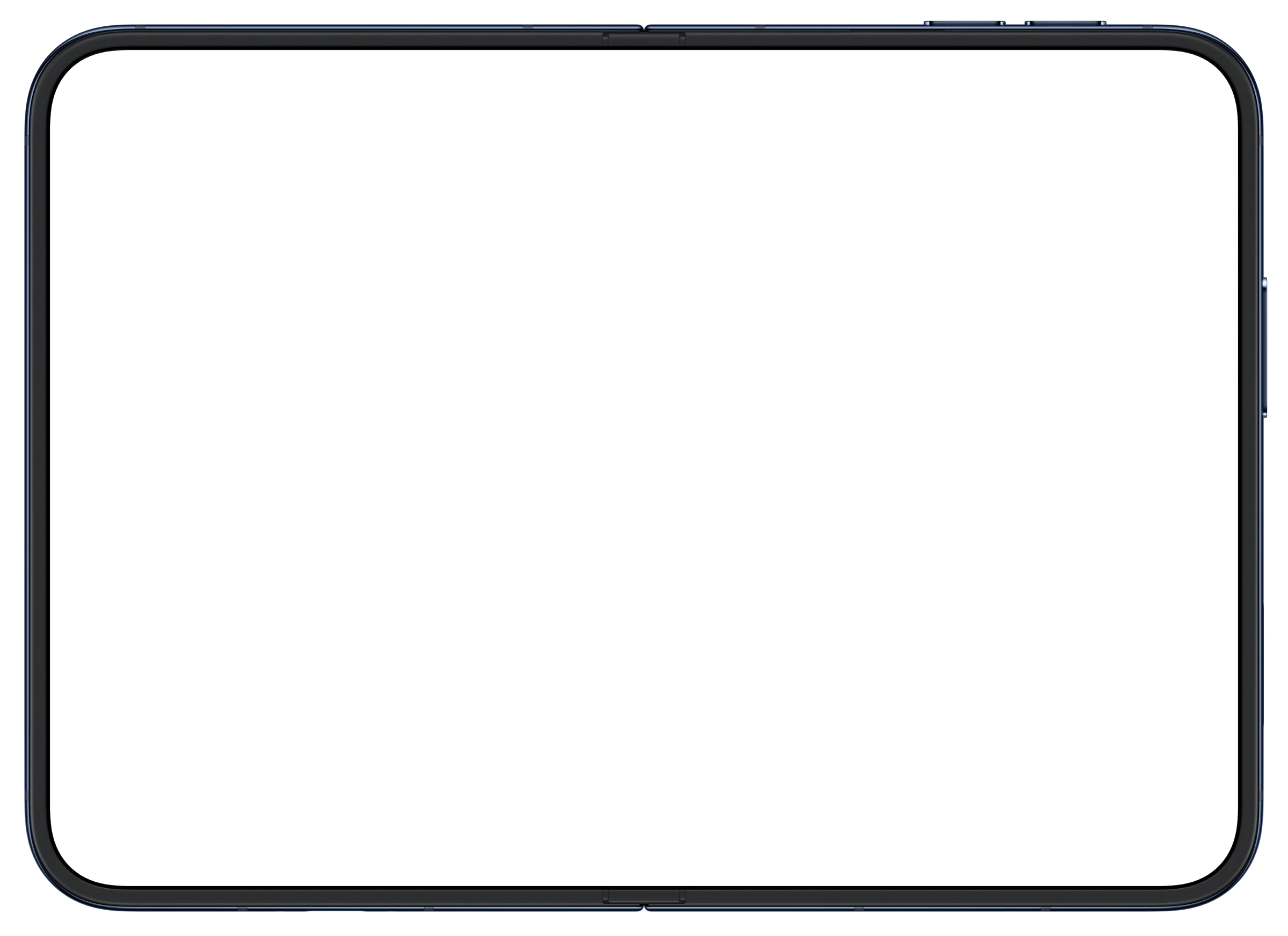
iPhone Duo · open · landscape
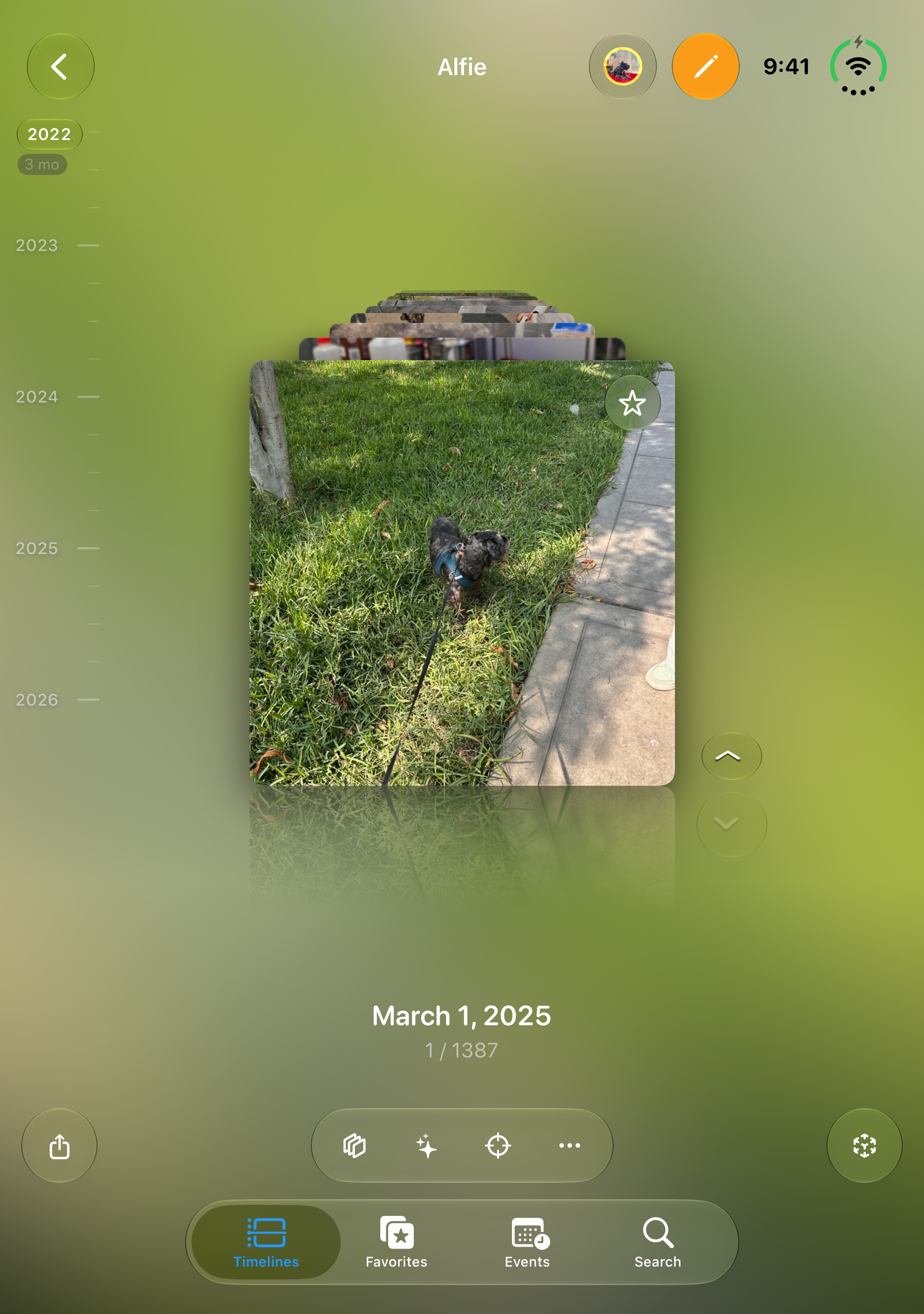
iPhone Duo, open
The Duo ships October 23. Xcode beta simulator, open flat, 9:41, Apple’s official bezel (Night Sky; Star White in light).
App Store Connect has two Duo slots: the inner display (open, or half-open upright) and the outer one (closed, or closed on its side). The app proposes what goes in each.
Timelines
Every photo.
Every year.
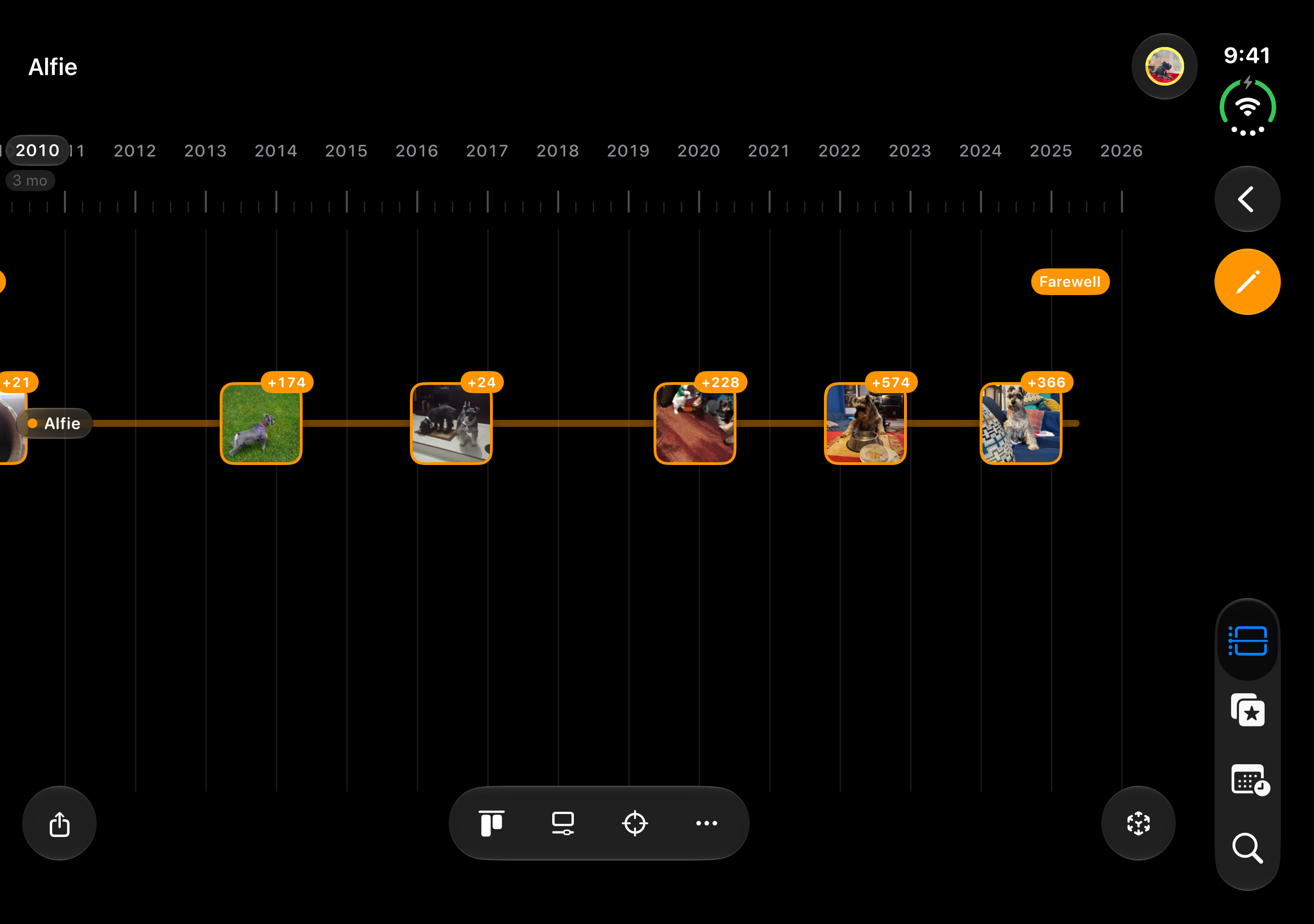
One life on a timeline
timeline · 012853×2007 ↗/appstore/duo-interior/en/timeline.jpg · 2853×2007 · in measure
A starting point: the app proposes the final screens for this device (docs/BRIEF-xcode-material.md).
Views
A whole life, left to right
horizontal · 022853×2007 ↗/appstore/duo-interior/en/horizontal.jpg · 2853×2007 · in measure
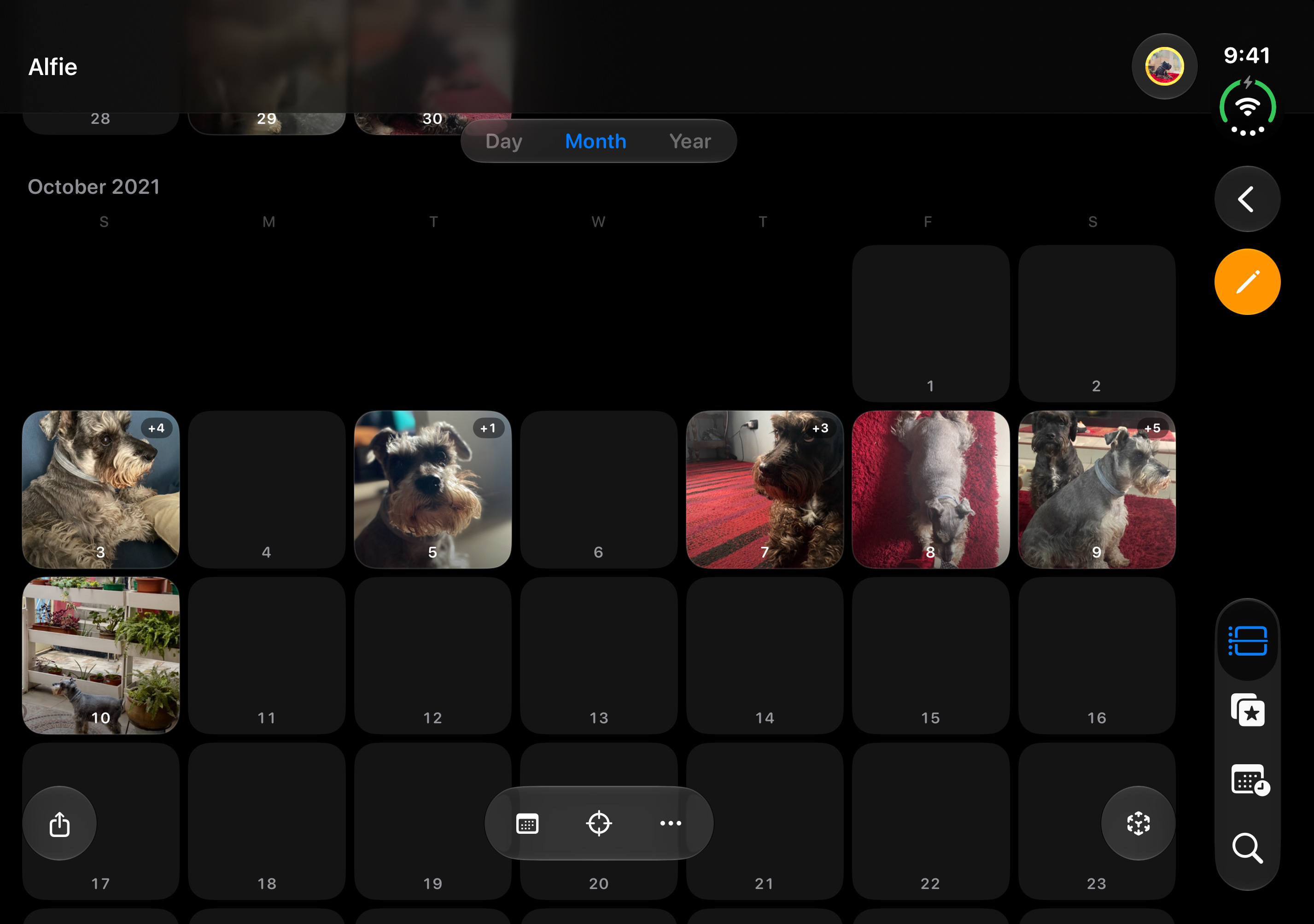
Views
The same years, as a calendar
calendario · 032853×2007 ↗/appstore/duo-interior/en/calendario.jpg · 2853×2007 · in measure
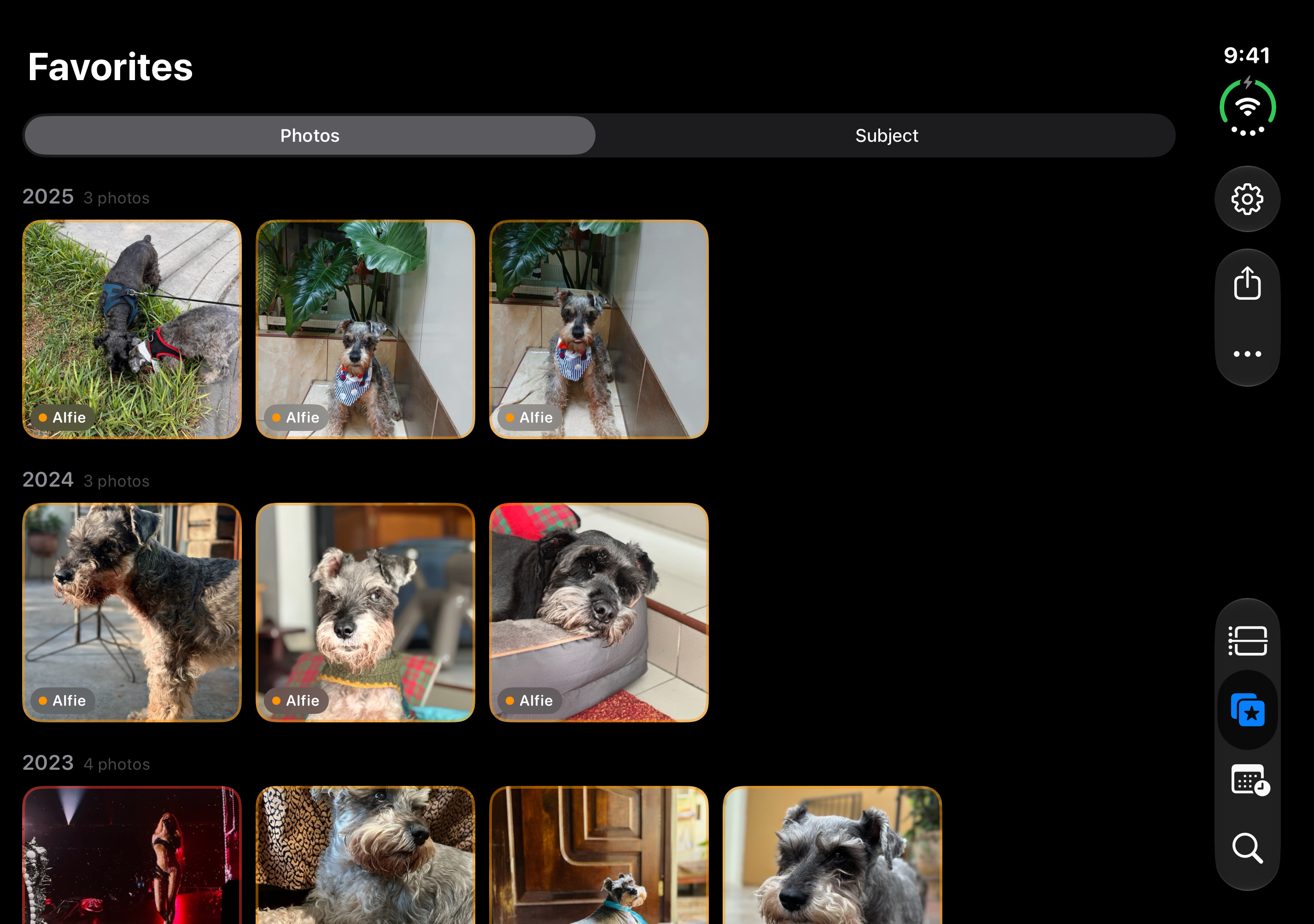
Favorites
The best of every year
favoritos · 042853×2007 ↗/appstore/duo-interior/en/favoritos.jpg · 2853×2007 · in measure
iPhone Duo · half-open · portrait
iPhone Duo, half-open
How the app adapts when the Duo stands half-open.
App Store Connect has two Duo slots: the inner display (open, or half-open upright) and the outer one (closed, or closed on its side). The app proposes what goes in each.
Views
Back through the years
flashback · 052007×2853 ↗/appstore/duo-interior-vertical/en/flashback.jpg · 2007×2853 · in measure
A starting point: the app proposes the final screens for this device (docs/BRIEF-xcode-material.md).
iPhone Duo · closed · portrait
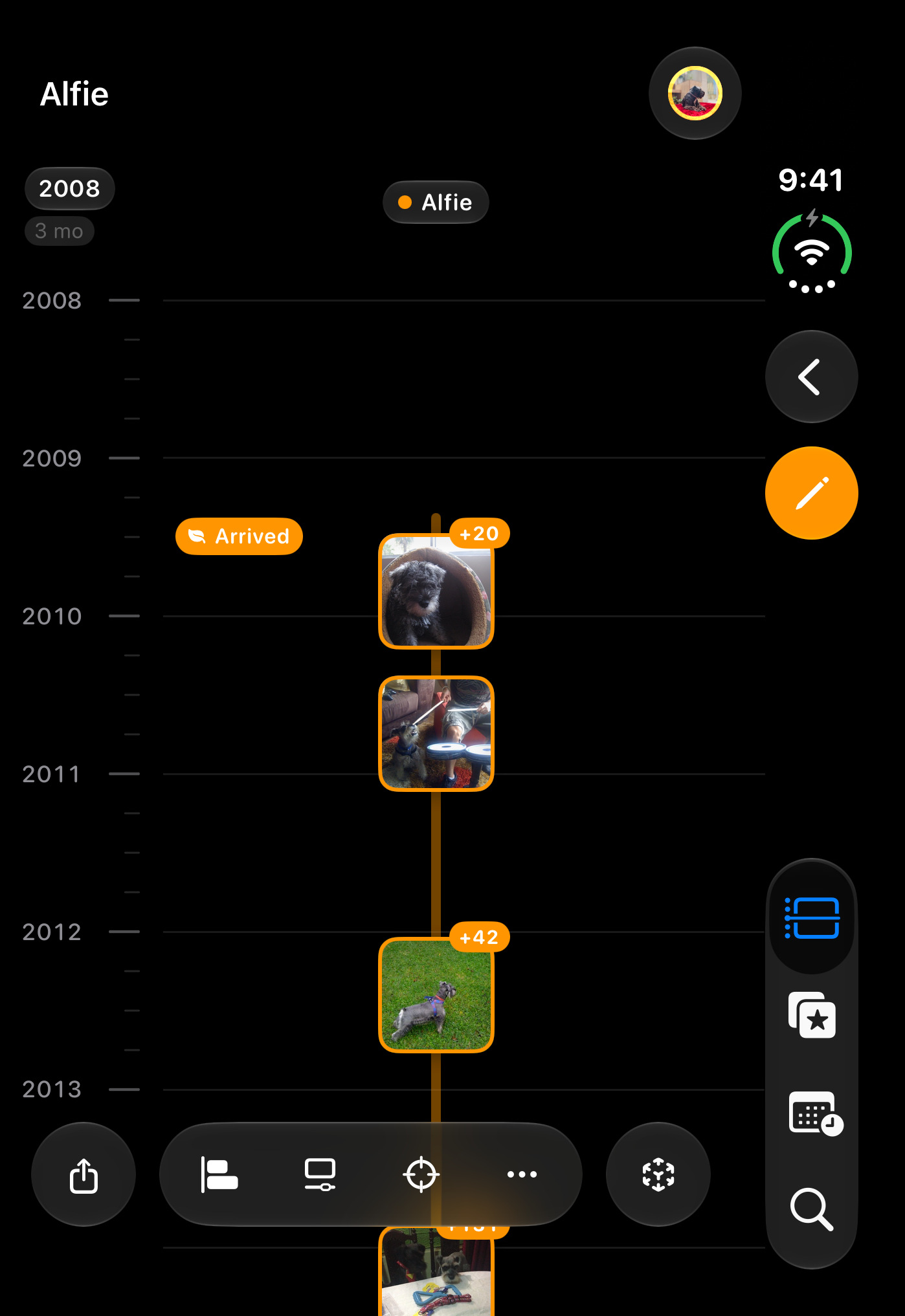
iPhone Duo, closed
What you use with the phone closed.
App Store Connect has two Duo slots: the inner display (open, or half-open upright) and the outer one (closed, or closed on its side). The app proposes what goes in each.
Timelines
Every photo.
Every year.
One life on a timeline
timeline · 061398×2034 ↗/appstore/duo-exterior/en/timeline.jpg · 1398×2034 · in measure
A starting point: the app proposes the final screens for this device (docs/BRIEF-xcode-material.md).
Favorites
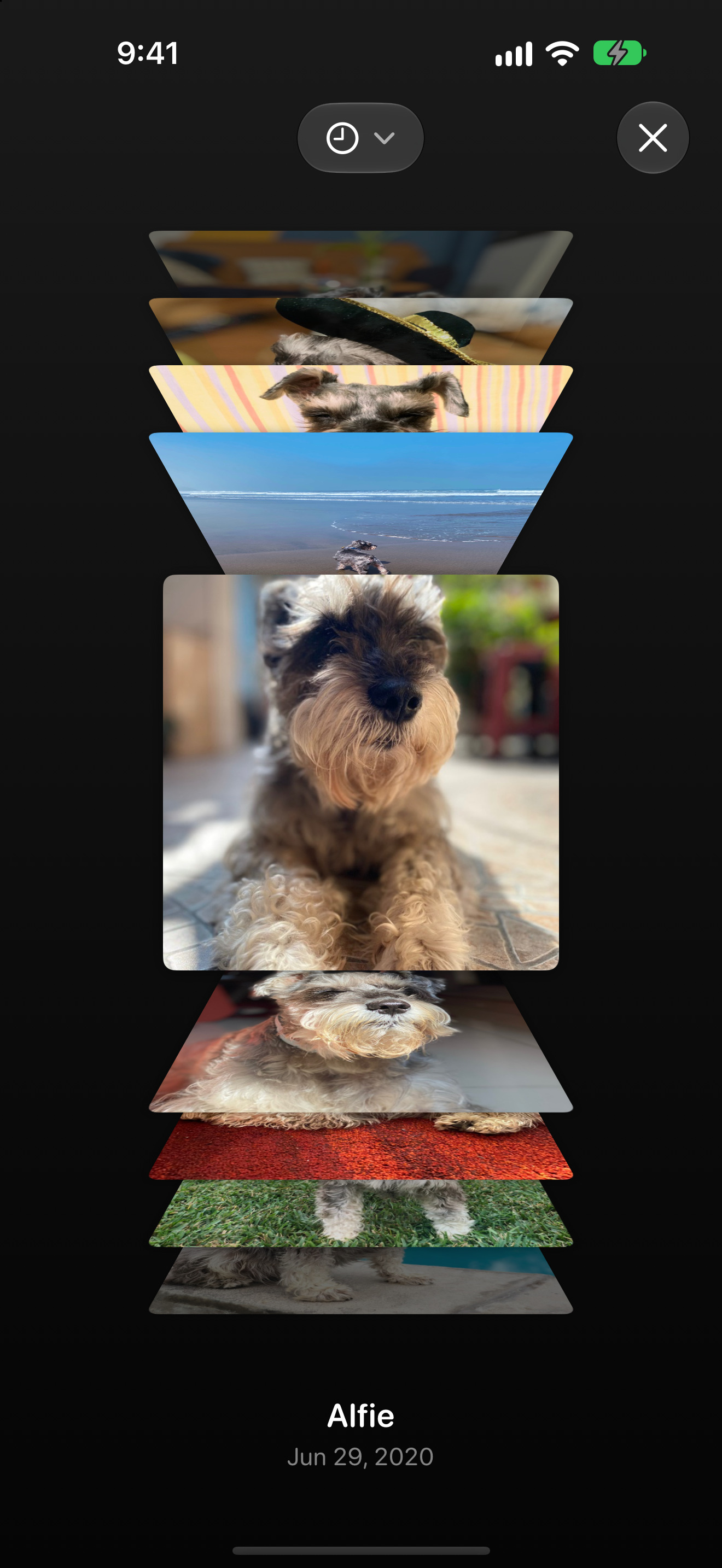
Your favorites, in a 3D carousel
carrusel · 071398×2034 ↗/appstore/duo-exterior/en/carrusel.jpg · 1398×2034 · in measure
iPhone Duo · closed, landscape · landscape
iPhone Duo, closed on its side
The closed Duo turned sideways.
App Store Connect has two Duo slots: the inner display (open, or half-open upright) and the outer one (closed, or closed on its side). The app proposes what goes in each.
Views
A whole life, left to right
horizontal · 082034×1398 ↗/appstore/duo-exterior-horizontal/en/horizontal.jpg · 2034×1398 · in measure
A starting point: the app proposes the final screens for this device (docs/BRIEF-xcode-material.md).
The slot stays empty. Apple takes 15 to 30 seconds, silent first. On iPhone the size is 886×1920. This page does not make the video.
iOS 27
The header and the search asset
Two new spaces since October 5, only on iOS and iPadOS 27. The search asset replaces the three screenshots in results, so the first-three rule moves here. Both are composed below from the same stills (Alfie’s album) and export with the frames: node scripts/export-screenshots.mjs --device creativos.
Product page header 21:9 · 3840×1646 · image, or video of 5 to 30 s
The first thing on the product page, above the icon and the name. Composed here from the store stills, with Alfie’s album; the Mac joins when its still arrives.
 Photo Timelines
One subject, every year
Scroll through the years and relive the stories your photos tell.
Option BChosenOpen at exact size ↗The thesis on the left with the mark; the iPad timeline big, running off the right edge, the iPhone with Favorites in front. The claim reads first, the product fills the rest.
VideoOption B in motion, the carousel that won on Music: Mac, iPhone, iPad, the open Duo and the Apple TV in one row with the app’s real screens (the iPhone plays its timeline loop). One camera stops at each and comes back to the Mac, so it keeps looping without a seam (no pull-back to the whole row: JC, October 16). 3840×1646 · 12 s. Rendered with HyperFrames (videos/header-ios27).
The other 2 image options
Option A · Without the markOpen at exact size ↗The devices in a row on the halo, no text. The Mac joins when its still arrives.
Photo Timelines Option A · With the markOpen at exact size ↗The devices in a row on the halo, no text. The Mac joins when its still arrives.
Search result asset 3:2 · 1920×1280 to 3840×2560 · image, or muted looping video
In iOS 27 this replaces the three screenshots in search results, so it carries the thesis and the timeline.
Photo Timelines One subject, every year
- Five views: timeline, calendar, map, Flashback
- Your favorites in a 3D carousel
- Your years in your room, in AR
- Share a video, or print it in A3
- iPhone, iPad, Mac and Apple TV
Option DChosenOpen at exact size ↗The thesis and five lines on what the app does (the views, Favorites, AR, Share, every device), with three iPhones: the timeline in front, Flashback and the map behind. Shows the most of the app at search size.
Not rendered yet
VideoOption D (three iPhones and the feature list) in motion is next, at 3:2 and centered so nothing important gets cropped.
The other 3 image options
Timelines
One life on a timeline
Every photo in an album, on its date, from the first day to today
Photo Timelines One subject, every year
Scroll through the years and relive the stories your photos tell.
Option BOpen at exact size ↗The thesis with the mark and two iPhones: the timeline in front, Favorites behind.
Photo Timelines One subject, every year
Scroll through the years and relive the stories your photos tell.
Option COpen at exact size ↗The giant iPhone, cropped top and bottom, the timeline almost edge to edge. The one that reads as the product at thumbnail size.
What Apple asks
- Header: one clear idea, designed for a first-time visitor; the icon, the name and the Get button sit right under it.
- Search asset: state the obvious, show the interface. It replaces the three screenshots in results and is muted, looping, 3:2.
- Keep the focal point in the center: Apple crops the sides on narrow devices.
- Short text that adds to the image, localized. No prices, URLs or ©. Generated video never shows the interface it didn’t get from a real capture.
Experiments
Intros and tests, not for the store
Higgsfield clips for socials and the iOS 27 creatives. None of this goes into the App Store submission: App Previews are the real app only.
Intros by timeline type
Six intros, 60 credits, one per type
One world per kind of timeline, objects only (no people, no animals), the app’s blue as the rim light. Each one holds still for its last second so the video can cut to the timeline in the app. Kling 3.0 Turbo, text-to-video, no cuts inside any clip. Originals and prompts in incoming-assets/higgsfield/intros/LEEME.md.
PetUseAn orange leash on a hook, a steel bowl, a tennis ball that rolls in and stops beside an empty bed with an orange blanket. Morning light, the blue rim as a thin streak on the door frame. No animal anywhere; the ball is plain.
PersonUseKnitted baby shoes, reading glasses, a watch with a blank dial, a few instant prints, a curtain that comes in on the lateral dolly. Cool and quiet. The prints came face up, but they only show black: no faces.
TripUseThe airplane window at sunrise, a sea of clouds, the wing tip with its light, two drops on the pane. The stillest of the six. The winglet carries only a speckled texture, no logo.
PlaceWith a caveatA window with a plant, a lace curtain breathing, the light going from warm to cool. Outside, generic pitched-roof houses, soft but recognizable as houses (nowhere in particular, nothing of Lima). The curtain keeps moving in the last second.
ProjectUseA hand plane, a half-built frame, shavings and a plain pencil under a desk lamp; sawdust drifts through the beam and settles. No marks on the plane.
CelebrationUseA white cake with seven plain candles, confetti falling until about 2.5 s, string lights behind. Then it holds still. No numbers on the candles.
Social template
Intro, Alfie’s timeline, a question
15 s at 1080×1920 for the Timelines channel (videos/intro-redes), one per type: the intro holds its last second so you can cut to your own recording with the app; Alfie’s real timeline leaves the lower band clean (below y 1340) for you on camera or a caption; the end card asks which timeline the viewer would make, with the six types, to drive comments. Silent: the music goes on in the editor.
Not rendered yet
Pet
Not rendered yet
Person
Not rendered yet
Trip
Not rendered yet
Place
Not rendered yet
Project
Not rendered yet
Celebration
Video with Higgsfield
Three clips, 30 credits
Image-to-video from the exported creatives (MiniMax H3, the model that kept Music’s interface still) and a blue background plate. One attempt per job. Muted, compressed review copies; originals and exact prompts in incoming-assets/higgsfield/LEEME.md.
search-c-minimaxUseMiniMax H3 · 2K · image-to-video · 2176×1440 · 3:2 · 5 s · 10 credits
Search asset, video version. The timeline stays intact at real size (2021, the months, +17, the Alfie label, the photos), one light sweep across the glass. Bolder than Music’s: mid-clip the blue floods the whole background behind the thesis, which still reads. First and last frame close (PSNR 27 dB), so it loops with a slight brightness step. The one to use.
header-b-minimaxUseMiniMax H3 · 2K · image-to-video · 2944×1248 · 21:9 · 5 s · 10 credits
Header option B, video version. Soft push-in with parallax, real 21:9, thesis and icon sharp, Alfie’s photos unchanged. The iPhone’s small text (the Photos/Subject switch, the tab bar labels) goes mushy and the iPhone drifts left. Candidate with a caveat, like Music’s: check at full size.
plate-azul-16x9UseKling 3.0 Turbo · 1080p · text-to-video · 1920×1080 · 16:9 · 5 s · 10 credits
Background plate (header fallback, socials). Grey cards floating over black with a blue glow that moves across them. Sharper than asked (the prompt said nothing in focus), but no text, no objects, almost no motion: it works behind a device or a headline.
What’s missing
Who each one waits for